Guide
Most shooting, playback, and setup options can be accessed from
the can]era menus. To view the menus, press the _ button.
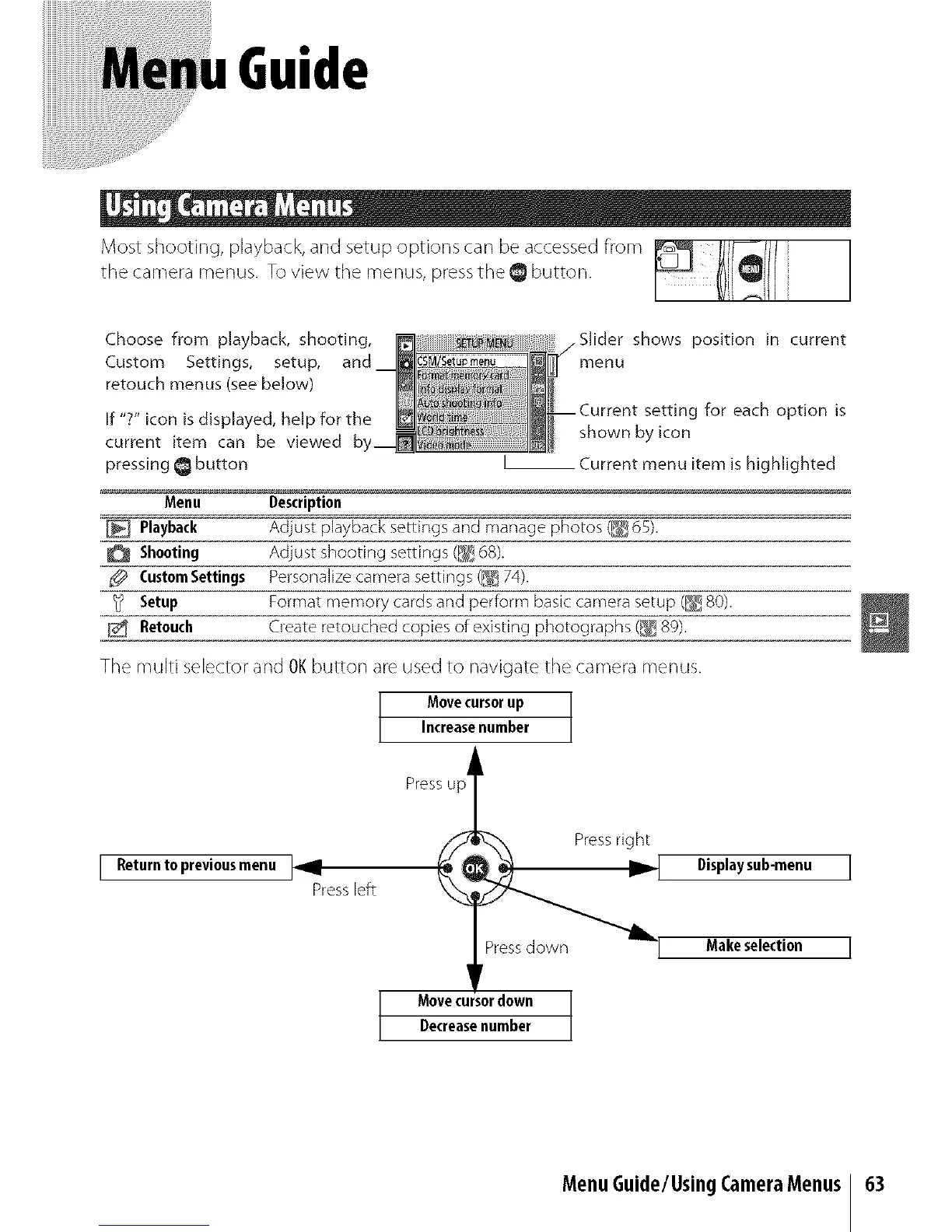
Choose from playback, shooting,
Custom Settings, setup, and
retouch menus (see below)
If "?" icon is displayed, help for the
current item can be viewed
pressing _ button
Slider shows position in current
menu
g for each option is
shown by icon
__ Current menu item is highlighted
Menu Description
Playback Adjust playback settings and manage photos (_ 65).
Shooting Adjust shooting settings (1_ 68).
CustomSettings Personalize camera settings (_ 74).
_ Setup Format memory cards and perform basic camera setup (_ 80).
E_ Retouch Create retouched copiesofexisting photographs(_8g).
The multi selector and OK button are used to navigate the camera menus.
Movecursorup
Increasenumber
Press up i
[ Returnto previousmenu ] _Press left
Displaysub-menu I
Make selection I
Movecu or down
Decreasenumber
MenuGuide/UsingCameraMenus 63



 To Next Page