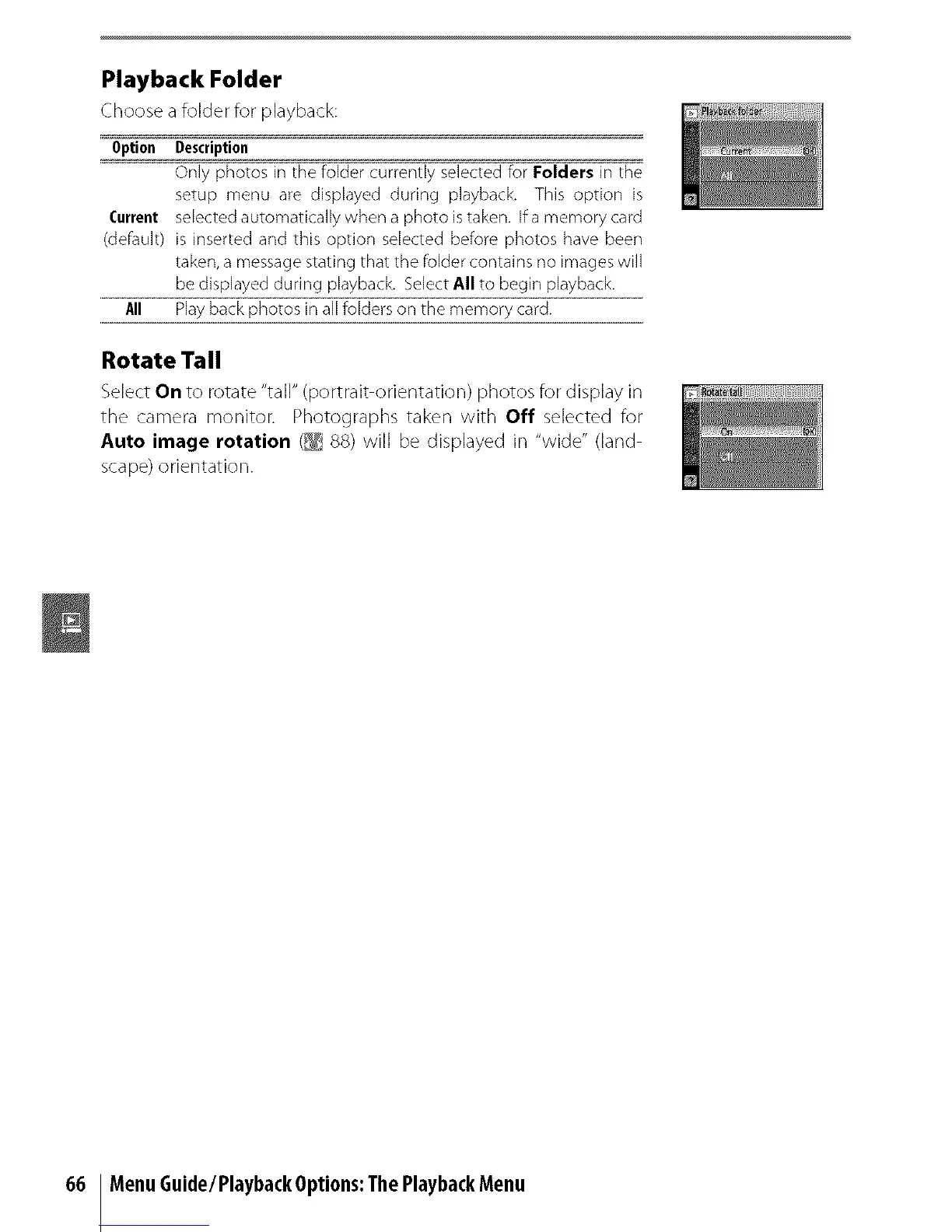
Playback Folder
Choose a folder for playback:
Option Description
Only photos in the folder currently selected for Folders in the
setup menu are displayed during playback. This option is
Current selected automatically when a photo istaken. If a memory card
(default) is inserted and this option selected before photos have been
taken, a message stating that the folder contains no images will
be displayed during playback. Select All to begin playback.
All Play back photos in alefolders on the memory card.
Rotate Tall
Select On to rotate "tall" (portrait orientation) photos for display in
the camera monitor: Photographs taken with Off selected for
Auto image rotation (_ 88) will be displayed in "wide" (land
scape) orientation.
66 MenuGuide/PlaybackOptions:ThePlaybackMenu



 To Next Page