95
d
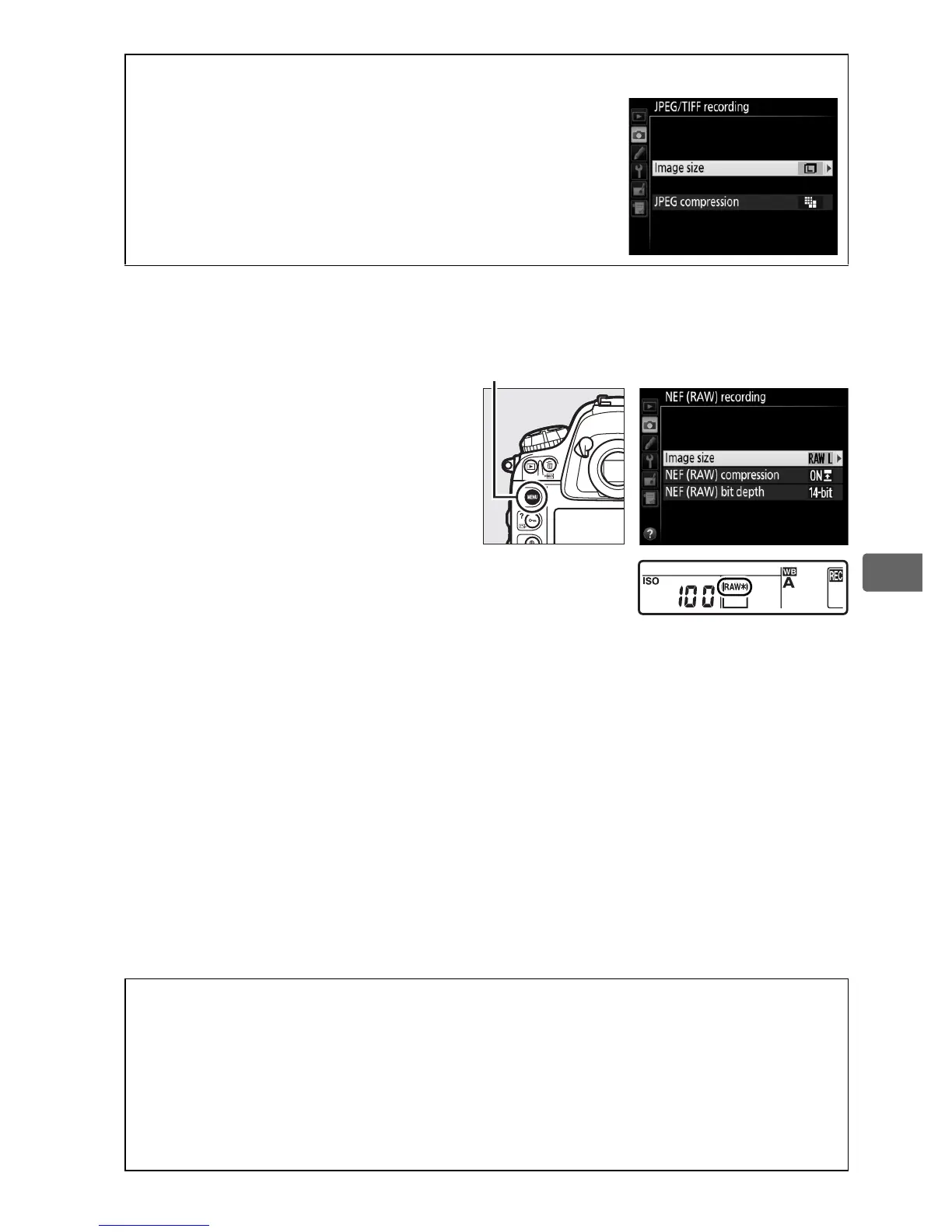
❚❚ NEF (RAW) Images
When recording photographs
in NEF (RAW) format, you can
choose from sizes of o Large
and p Small using the NEF
(RAW) recording > Image size
option in the shooting menu.
Small-size images are about
half the size of their large-size
counterparts.
An asterisk (U)
appears in the rear control
panel when p Small is
selected.
A The Image Size Menu
Image size for JPEG and TIFF images can also be
adjusted using the JPEG/TIFF recording >
Image size option in the shooting menu
(0 304).
A NEF (RAW) Images
Image size for NEF (RAW) photographs can not be selected using the
T button and command dials.
Small-size NEF (RAW) images are
recorded in uncompressed 12-bit format, regardless of the options
selected for NEF (RAW) compression and NEF (RAW) bit depth in the
NEF (RAW) recording sub-menu, and can not be retouched (0 375).
G button
Rear control panel



 To Next Page