169
r
Live View (Spot White Balance)
In live view photography and movie live view (0 49, 63), white
balance can be measured in a selected area of the frame,
eliminating the need to prepare a reference object or change
lenses during telephoto photography.
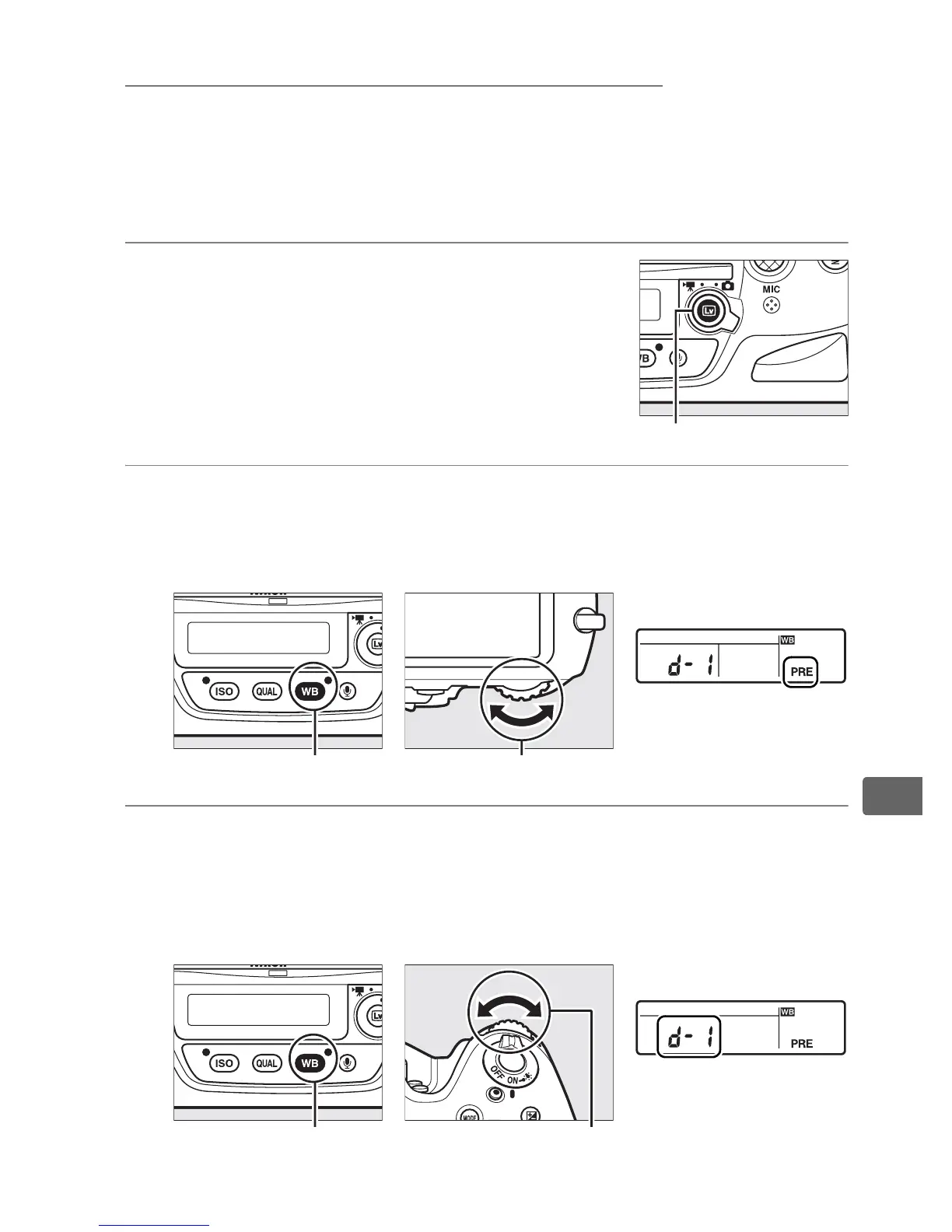
1 Press the a button.
The mirror will be raised and the view
through the lens will be displayed in the
camera monitor.
2 Set white balance to L (Preset manual).
Press the U button and rotate the main command dial until
L is displayed in the rear control panel.
3 Select a preset.
Press the U button and rotate the sub-command dial until
the desired white balance preset (d-1 to d-6) is displayed in
the rear control panel.
Rear control panel
U button
Main command dial
Rear control panel
U button Sub-command dial
a button



 To Next Page