295
U
Choose whether pictures are automatically displayed in the
monitor immediately after shooting.
If Off is selected, pictures can
only be displayed by pressing the K button.
D Copying Images
Images will not be copied if there is insufficient space on the destination
card.
Be sure the battery is fully charged before copying movies.
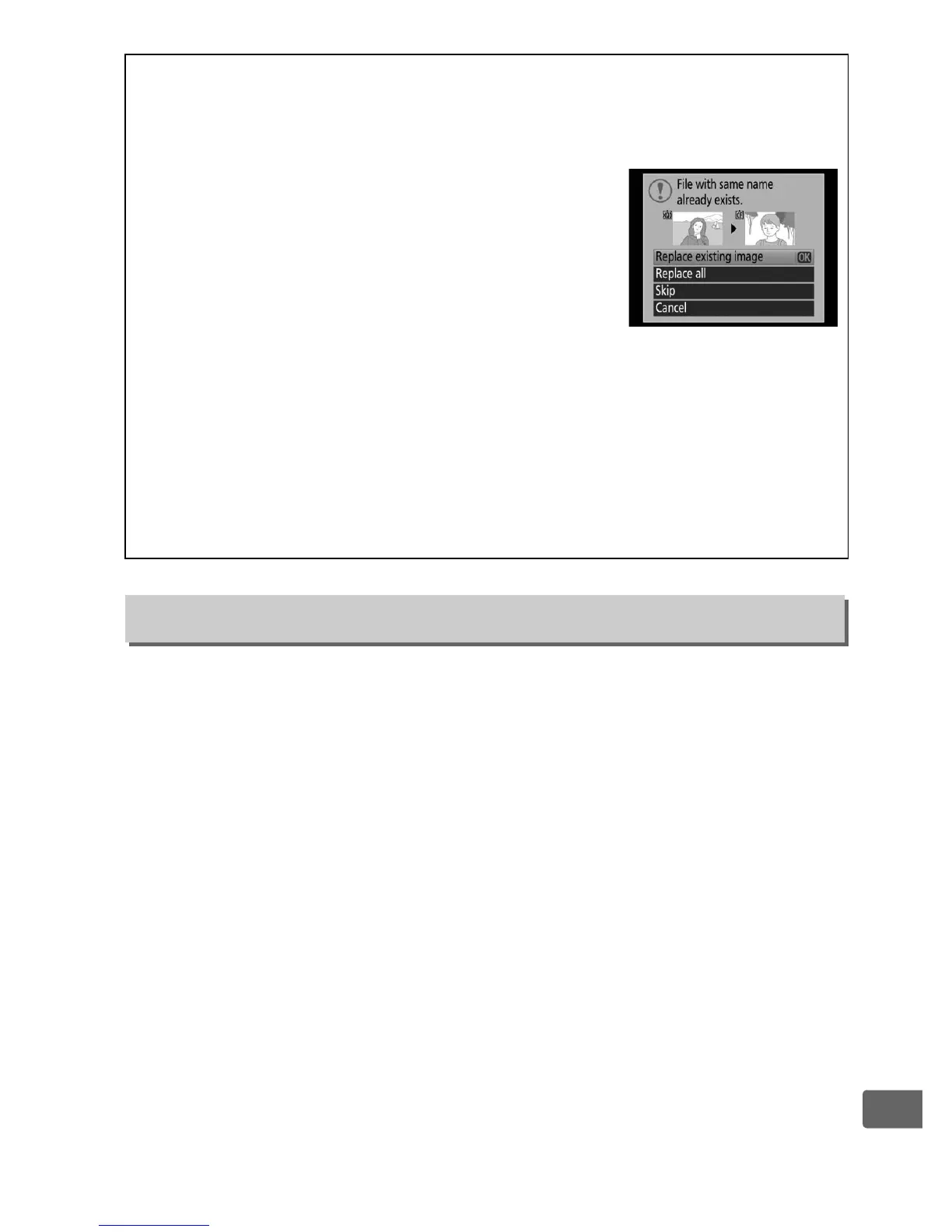
If the destination folder contains an image with
the same name as one of the images to be
copied, a confirmation dialog will be displayed.
Select Replace existing image to replace the
image with the image to be copied, or select
Replace all to replace all existing images with
the same names without further prompting.
To
continue without replacing the image, select Skip, or select Cancel to
exit without copying any further images.
Hidden or protected files in
the destination folder will not be replaced.
Protect status is copied with the images but print marking (0 283) is
not.
Voice memos will be copied with their associated images.
Hidden
images can not be copied.
Image Review
G button ➜ D playback menu



 To Next Page