294
U
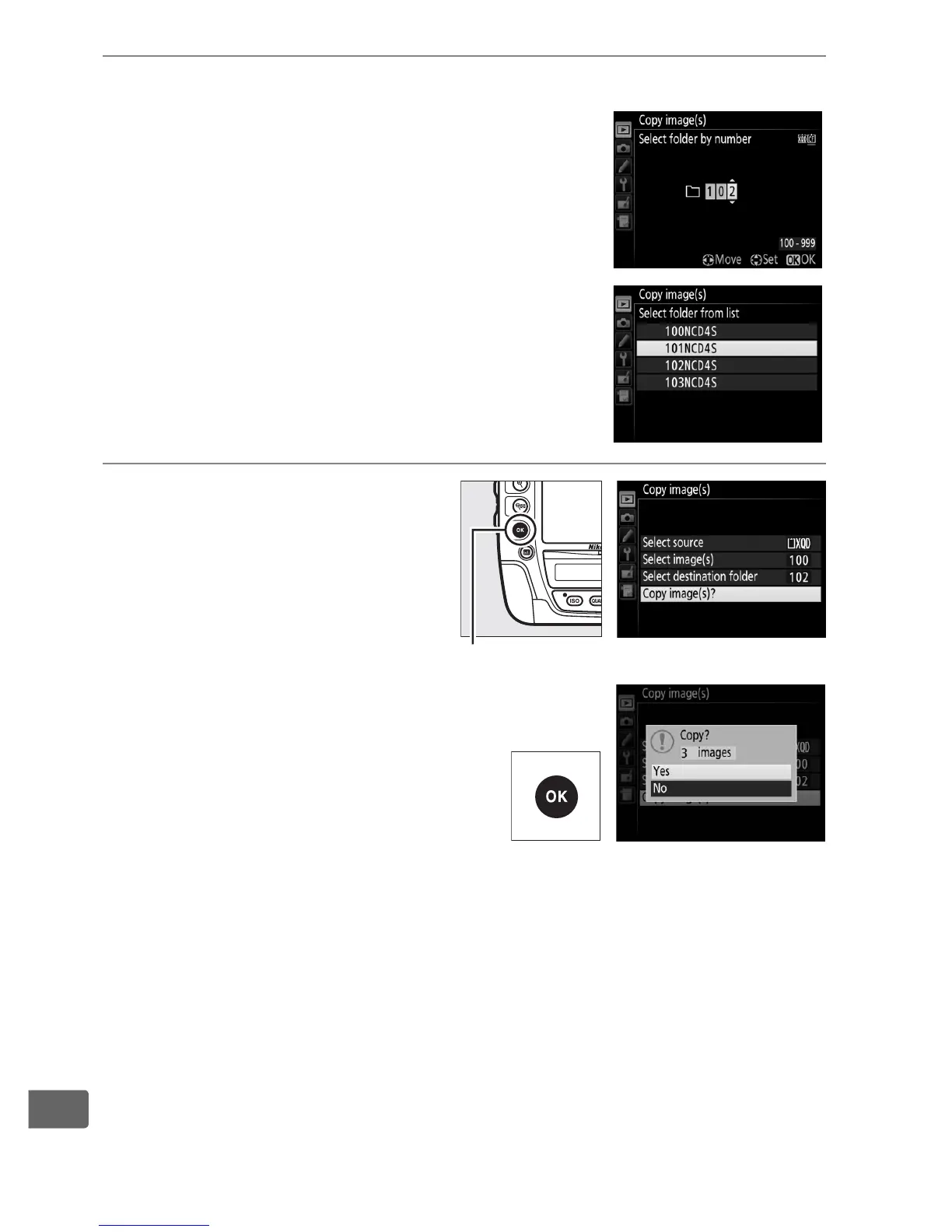
8 Select a destination folder.
To enter a folder number, choose Select
folder by number, enter the number
(0 302), and press J.
To choose from a list of existing folders,
choose Select folder from list, highlight
a folder, and press J.
9 Copy the images.
Highlight Copy image(s)?
and press J.
A confirmation dialog will
be displayed; highlight Ye s and
press J.
Press J again to exit
when copying is complete.
J button



 To Next Page