358
U
B The Setup Menu: Camera Setup
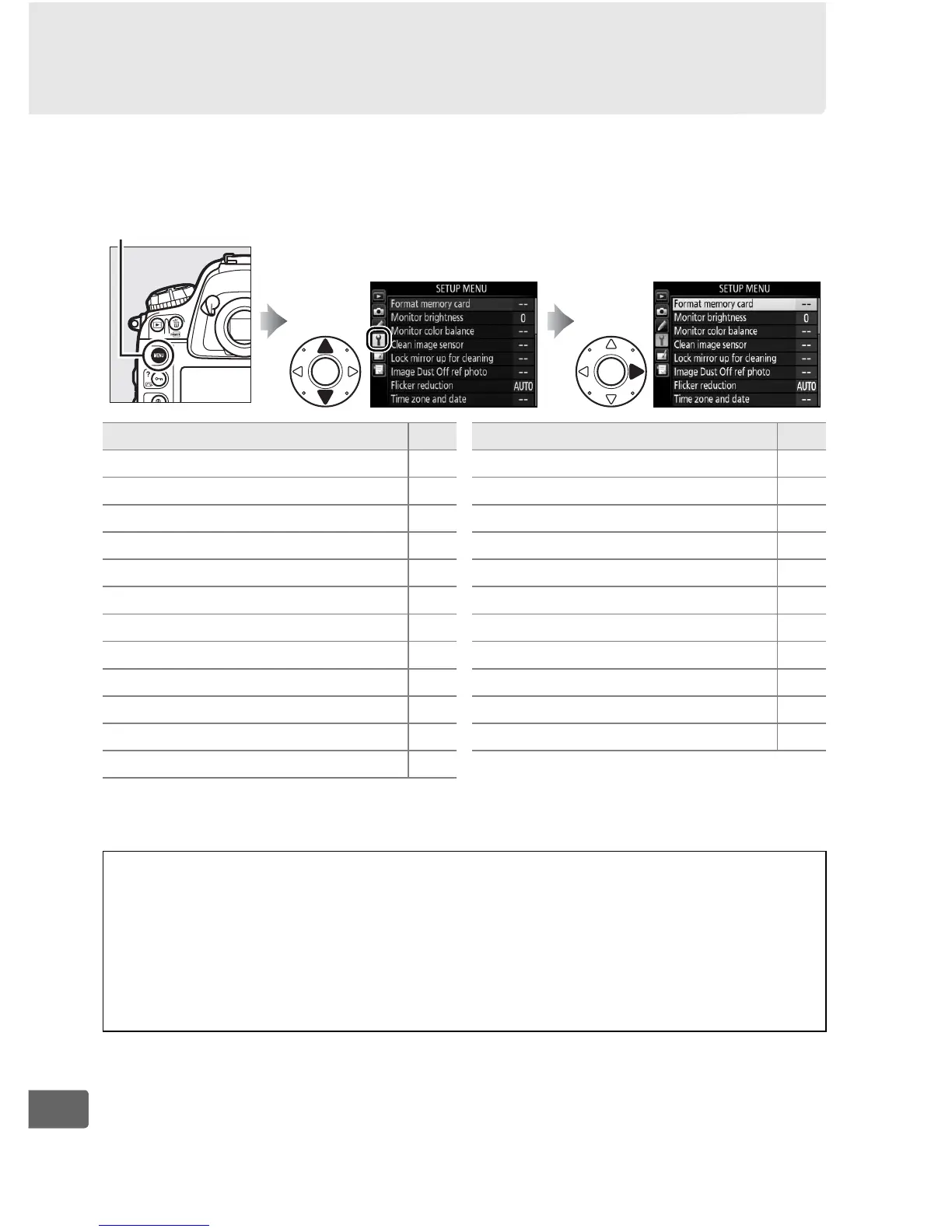
To display the setup menu, press G and select the B (setup
menu) tab.
* Not available when battery is low.
G button
Option 0
Format memory card 359
Monitor brightness 359
Monitor color balance 360
Clean image sensor 417
Lock mirror up for cleaning
*
420
Image Dust Off ref photo 361
Flicker reduction 363
Time zone and date 363
Language 364
Auto image rotation 364
Battery info 365
Image comment 366
Copyright information 367
IPTC 368
Voice memo options 261
Save/load settings 370
Virtual horizon 372
Non-CPU lens data 236
AF fine-tune 373
HDMI 286
Location data 240
Network 276
Firmware version 374
Option 0
A See Also
Menu defaults are listed on page 437.
D Network > Network Connection
Firmware updates are not available when Enable is selected for
Network > Network connection.



 To Next Page