94
d
Image Size
Image size is measured in pixels.
In the case of JPEG and TIFF
images, you can choose from #Large, $Medium, or %Small
(note that image size varies depending on the option selected for
Image area, 0 85):
Image size for JPEG and TIFF
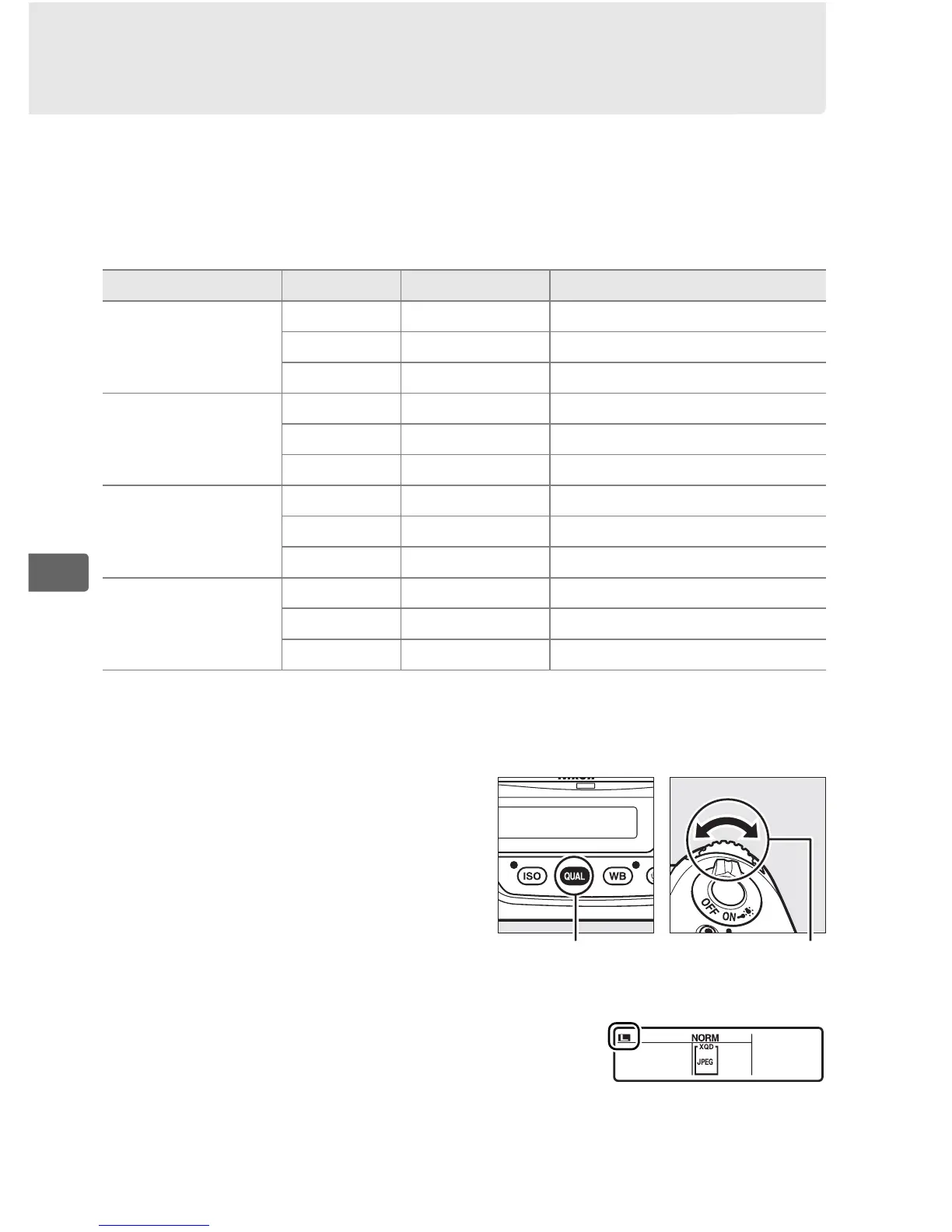
images can be set by pressing the
T button and rotating the sub-
command dial until the desired
option is displayed in the rear
control panel.
Image area Option Size (pixels) Print size (cm/in.)
*
FX (36×24) 1.0×
(FX format)
Large 4928 × 3280 41.7 × 27.8/16.4 × 10.9
Medium 3696 × 2456 31.3 × 20.8/12.3 × 8.2
Small 2464 × 1640 20.9 × 13.9/ 8.2 × 5.5
1.2× (30×20)
1.2×
Large 4096 × 2720 34.7 × 23.0/13.7 × 9.1
Medium 3072 × 2040 26.0 × 17.3/10.2 × 6.8
Small 2048 × 1360 17.3 × 11.5/ 6.8 × 4.5
DX (24×16) 1.5×
(DX format)
Large 3200 × 2128 27.1 × 18.0/10.7 × 7.1
Medium 2400 × 1592 20.3 × 13.5/ 8.0 × 5.3
Small 1600 × 1064 13.5 × 9.0/ 5.3 × 3.5
5 : 4 (30×24)
Large 4096 × 3280 34.7 × 27.8/13.7 × 10.9
Medium 3072 × 2456 26.0 × 20.8/10.2 × 8.2
Small 2048 × 1640 17.3 × 13.9/ 6.8 × 5.5
* Approximate size when printed at 300 dpi.
Print size in inches equals image
size in pixels divided by printer resolution in dots per inch
(dpi; 1 inch = approximately 2.54 cm).
T button Sub-command
dial
Rear control panel



 To Next Page