344
U
Choose the role played by the D button.
If
high dynamic range or multiple exposure is
active while another function is assigned to
the D button, the D button can not be
used until high dynamic range or multiple
exposure photography ends.
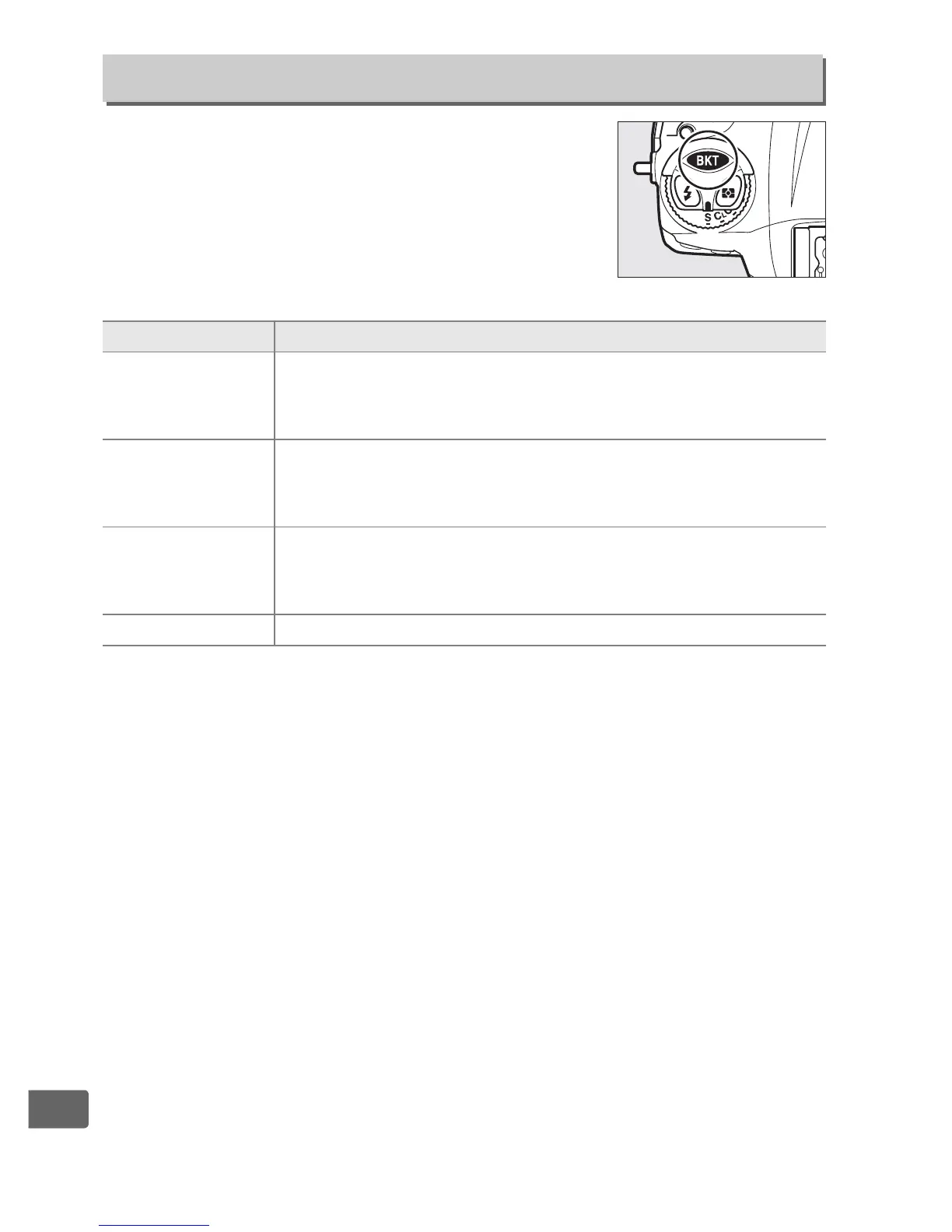
f9: Assign BKT Button
G button ➜ A Custom Settings menu
Option Description
t
Auto
bracketing
Press the t button and rotate a command dial to
choose the bracketing increment and number of shots
in the bracketing sequence (0 140).
$
Multiple
exposure
Press the t button and rotate a command dial to
choose the mode and number of shots for multiple
exposures (0 216).
2
HDR (high
dynamic
range)
Press the t button and rotate a command dial to
choose the mode and the exposure differential
(0 194).
None Pressing the button has no effect.



 To Next Page