69
y
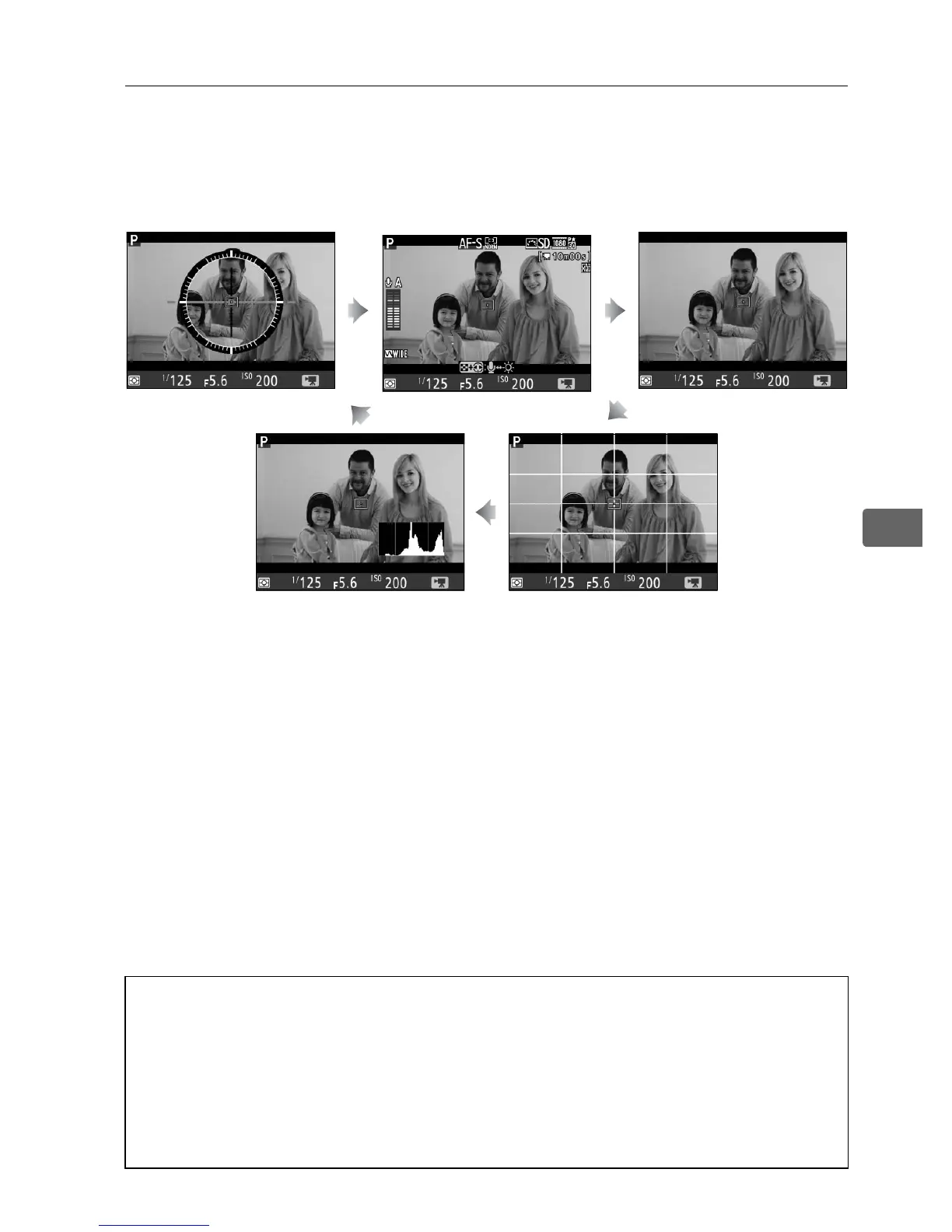
The Information Display: Movie Live View
To hide or display indicators in the monitor during movie live view,
press the R button.
Virtual horizon
(0 372) Information on Information off
Histogram Framing guides
A HDMI
If the camera is connected to an HDMI device (0 285), the view through
the lens will appear both in the camera monitor and on the HDMI
device.
During movie recording, the camera monitor does not show the
virtual horizon or histogram; indicators in the monitor and on the HDMI
device can not be hidden or displayed using the R button.



 To Next Page