299
U
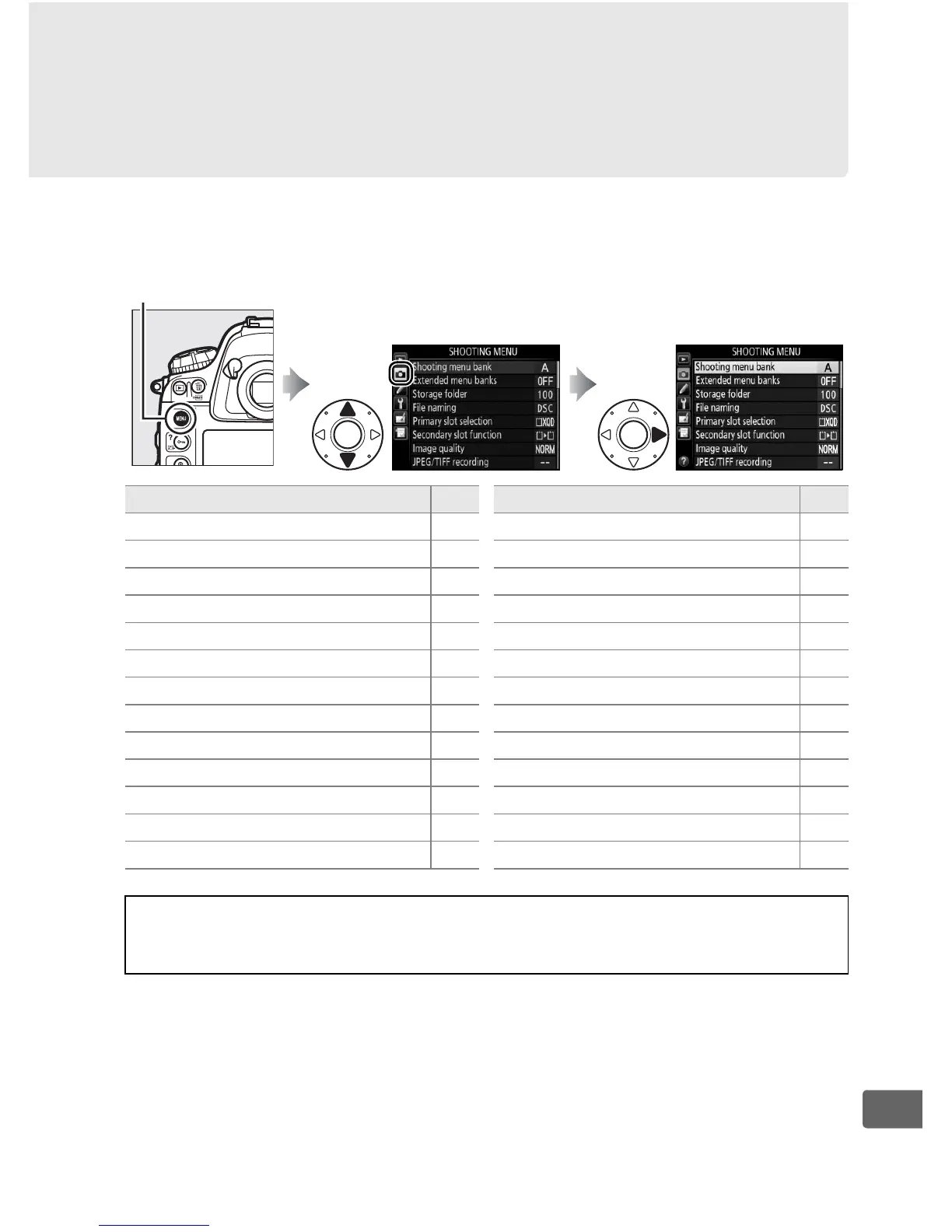
C The Shooting Menu:
Shooting Options
To display the shooting menu, press G and select the
C (shooting menu) tab.
G button
Option 0
Shooting menu bank 300
Extended menu banks 301
Storage folder 302
File naming 304
Primary slot selection 96
Secondary slot function 96
Image quality 90
JPEG/TIFF recording 304
NEF (RAW) recording 304
Image area 85
White balance 155
Set Picture Control 177
Manage Picture Control 183
Color space 305
Active D-Lighting 188
HDR (high dynamic range) 190
Vignette control 306
Auto distortion control 307
Long exposure NR 308
High ISO NR 308
ISO sensitivity settings 117
Multiple exposure 214
Interval timer shooting 221
Live view photography 60
Time-lapse photography 229
Movie settings 74
Option 0
A See Also
Menu defaults are listed on page 430.



 To Next Page