71
y
Taking Photos During Movie Live View
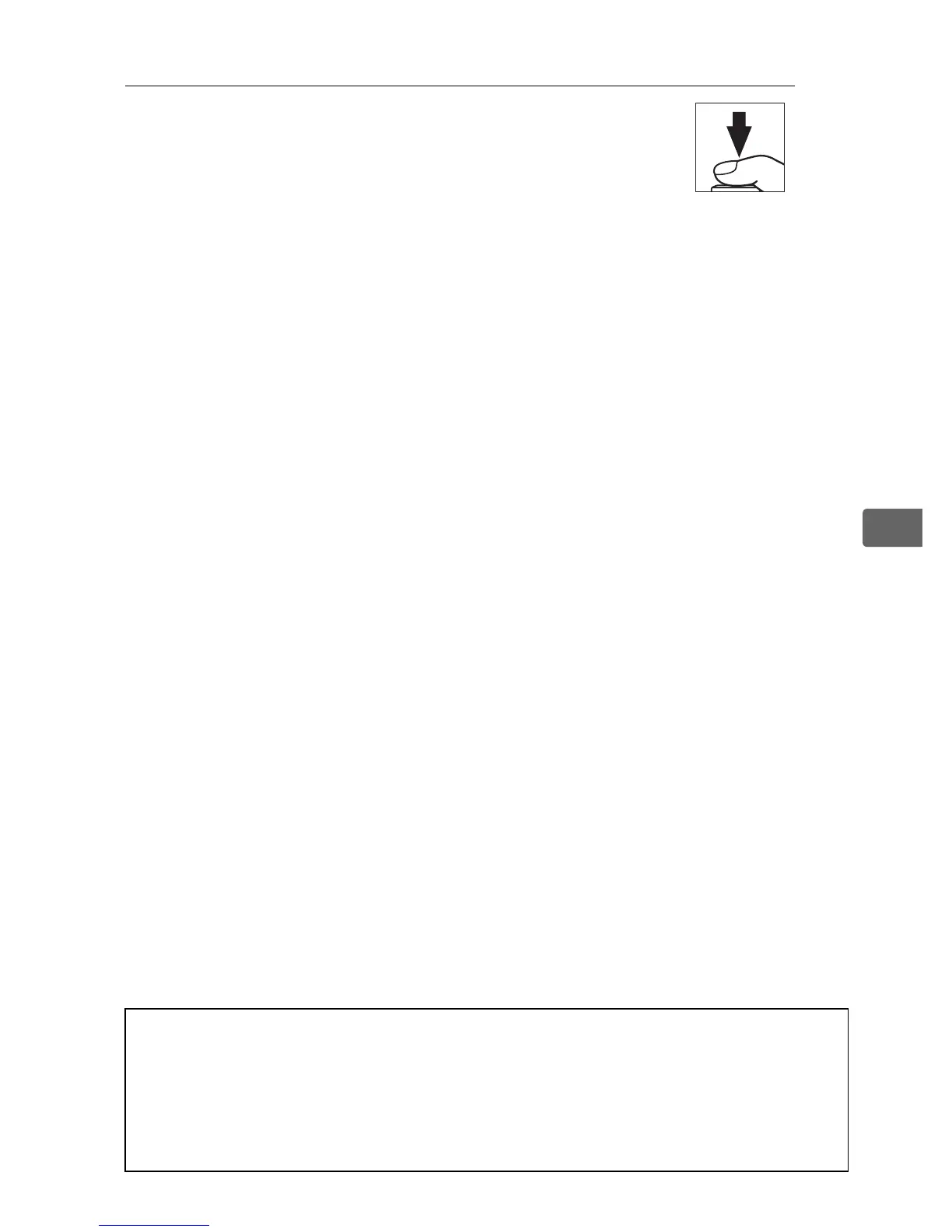
If Take photos is selected for Custom Setting
g4 (Assign shutter button, 0 357),
photographs can be taken at any time during
movie live view by pressing the shutter-
release button all the way down.
If movie recording is in progress,
recording will end and the footage recorded to that point will be
saved.
Except when a “1920 × 1080 crop” option is selected for
Frame size/frame rate in the Movie settings menu, photographs
are recorded in the format selected for Image quality in the
shooting menu (0 90).
Photographs taken when a “1920 × 1080
crop” option is selected are recorded as fine-quality JPEG images.
For information on image size, see page 72.
Note that the
exposure for photographs can not be previewed during movie live
view; mode e, f, or g is recommended but accurate results can be
achieved in mode h by adjusting exposure during live view
photography (0 49) and then ending live view photography,
starting movie live view, and checking the image area.
A Wireless Remote Controllers and Remote Cords
If Record movies is selected for Custom Setting g4 (Assign shutter
button), the shutter-release buttons on optional wireless remote
controllers and remote cords (0 411, 412) can be used to start movie
live view and to start and end movie recording (0 357).



 To Next Page