320
U
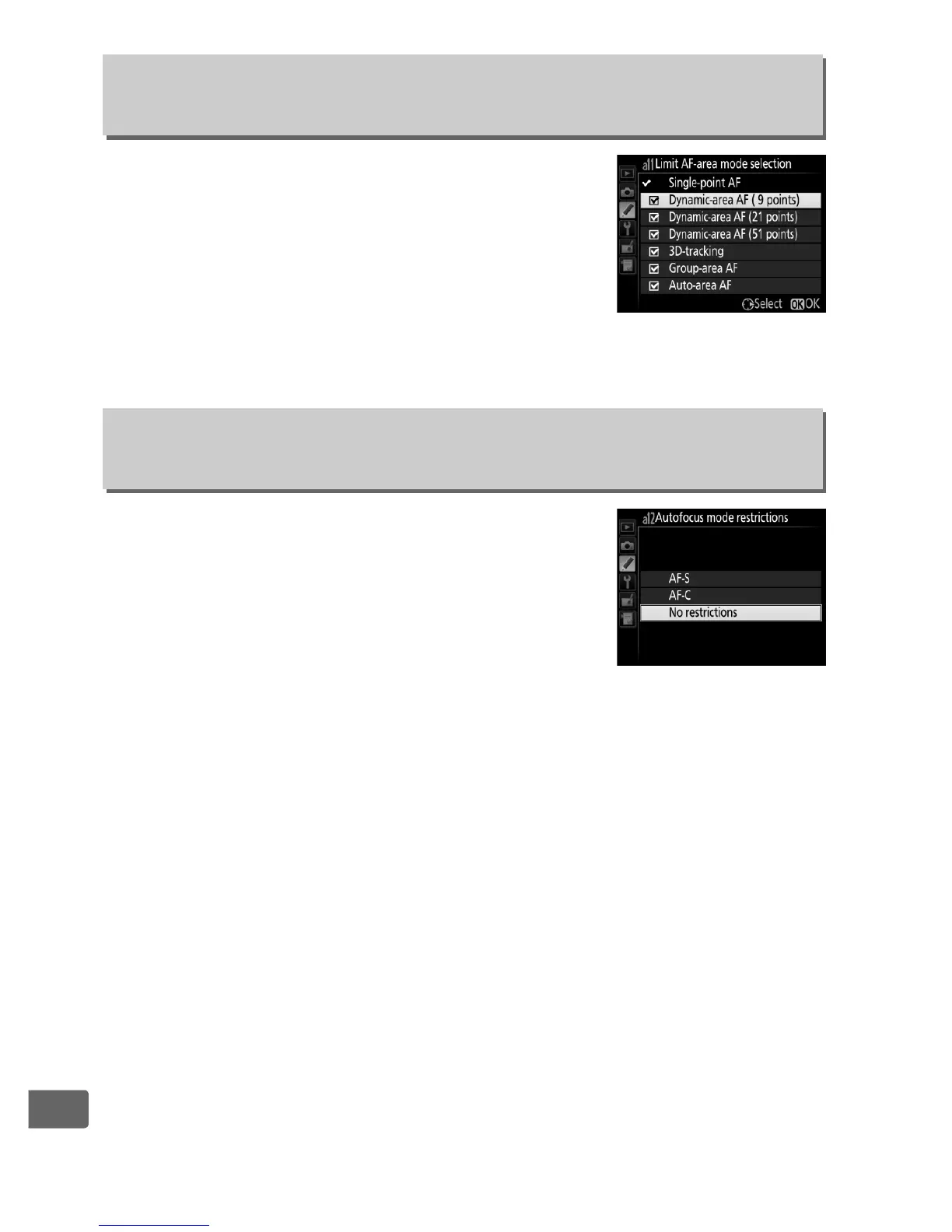
Choose the AF-area modes that can be
selected using the AF-mode button and sub-
command dial in viewfinder photography
(live view is unaffected; 0 100).
Highlight the
desired modes and press 2 to select or
deselect.
Press J to save changes when
settings are complete.
Choose the autofocus modes available in
viewfinder photography (0 97).
If only one
mode is selected, the autofocus mode can not
be chosen using the AF-mode button and
main command dial.
a11: Limit AF-Area Mode
Selection
G button ➜ A Custom Settings menu
a12: Autofocus Mode
Restrictions
G button ➜ A Custom Settings menu



 To Next Page