394
U
Compare retouched copies to the original photographs.
This
option is only available if the retouch menu is displayed by
pressing the J and 2 buttons when a copy or original is displayed
full frame.
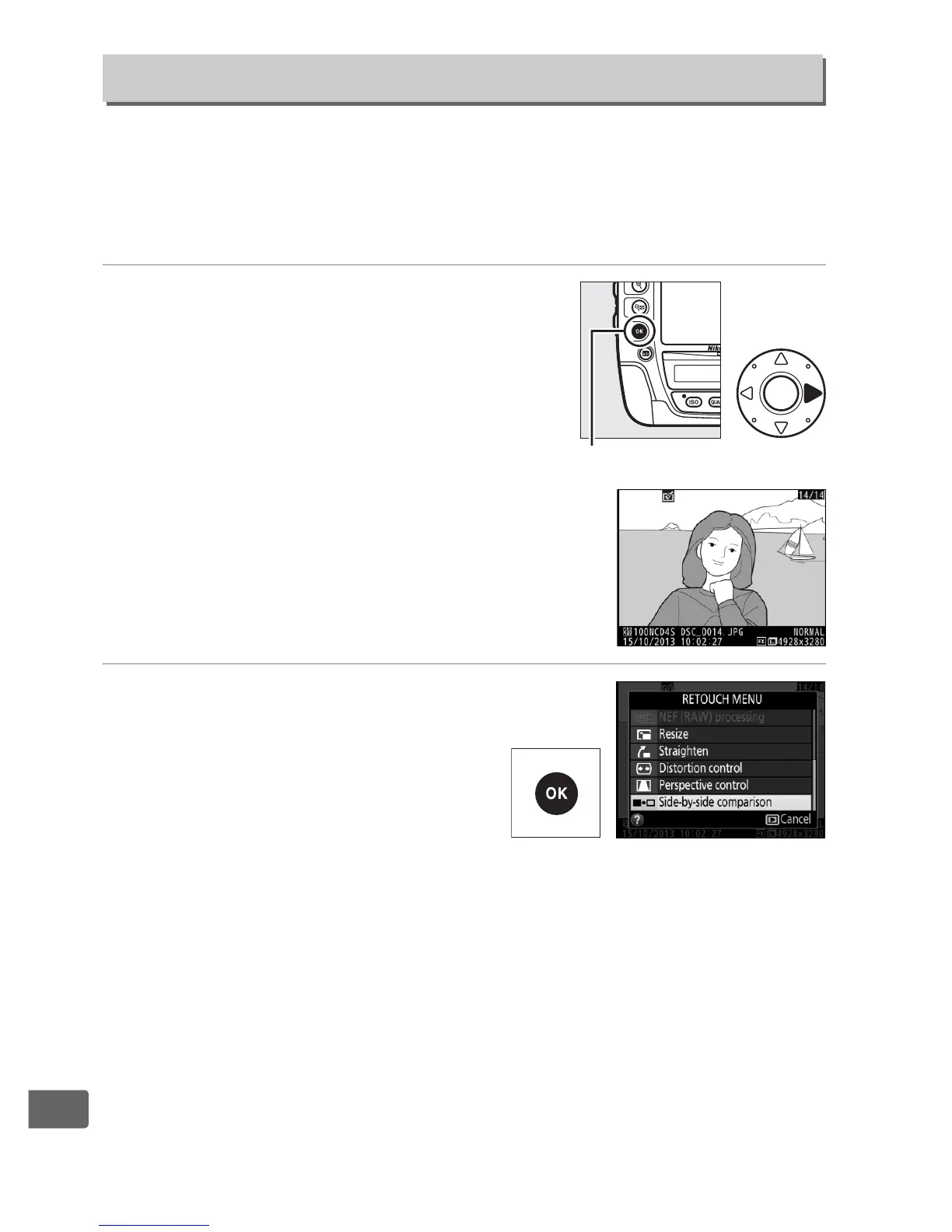
1 Select a picture.
Select a retouched copy (shown by a
& icon) or a photograph that has
been retouched in full-frame playback
and press the J and 2 buttons.
2 Select Side-by-side
comparison.
Highlight Side-by-side
comparison and press J.
Side-by-Side Comparison
J button



 To Next Page