98
N
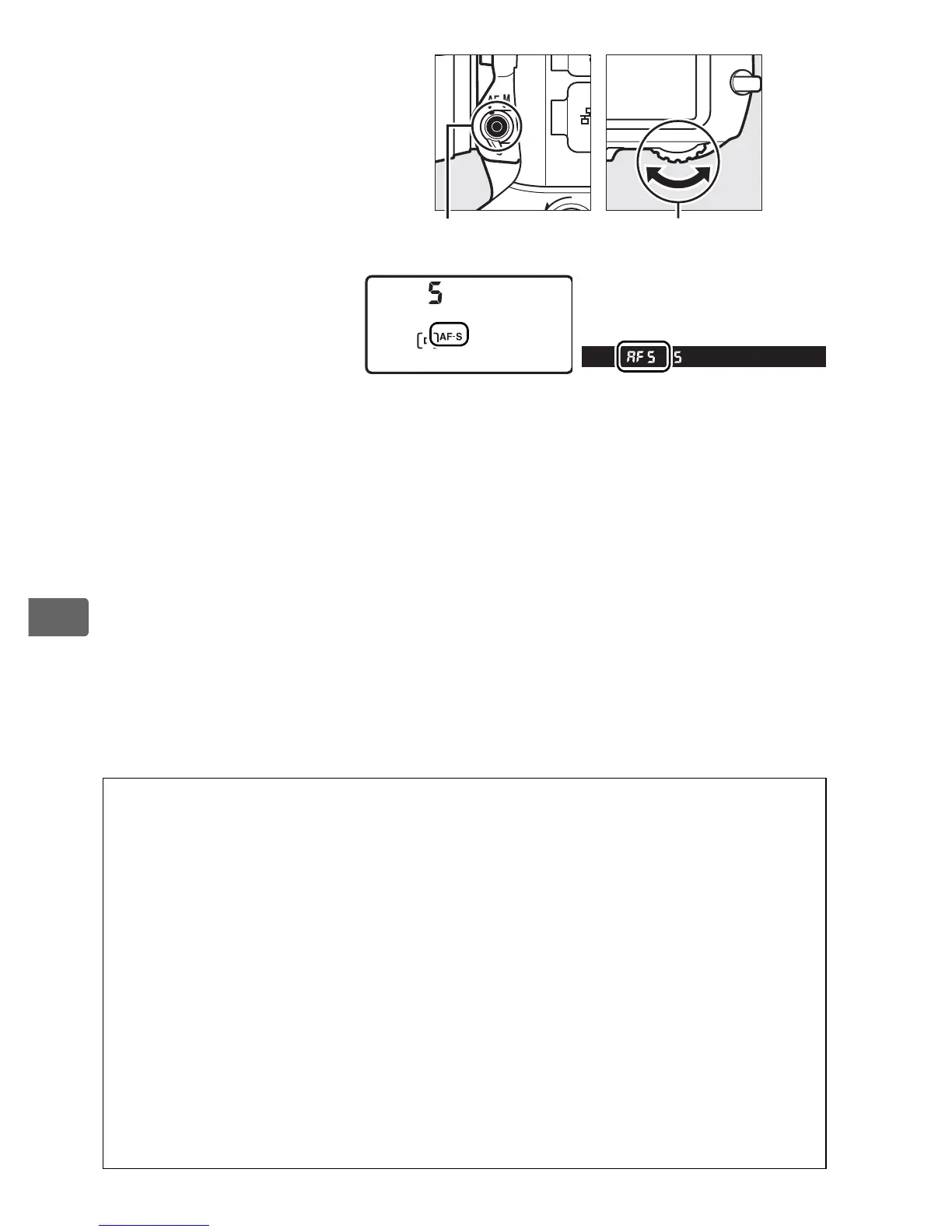
Autofocus mode can
be selected by
pressing the AF-mode
button and rotating
the main command
dial until the desired
setting is displayed in
the viewfinder and
top control panel.
A See Also
For information on using focus priority in continuous-servo AF, see
Custom Setting a1 (AF-C priority selection, 0 313).
For information
on using release priority in single-servo AF, see Custom Setting a2 (AF-S
priority selection, 0 314).
For information on preventing the camera
from focusing when the shutter-release button is pressed halfway, see
Custom Setting a4 (AF activation, 0 315).
See Custom Setting a12
(Autofocus mode restrictions, 0 320) for information on limiting
focus-mode selection to AF-S or AF-C and f10 (Customize command
dials) > Change main/sub (0 345) for information on using the sub-
command dial to choose the focus mode.
See page 52 for information
on the autofocus options available in live view or during movie
recording.
AF-mode button Main command dial
Top control panel Viewfinder



 To Next Page