121
S
A Turning Auto ISO Sensitivity Control On or Off
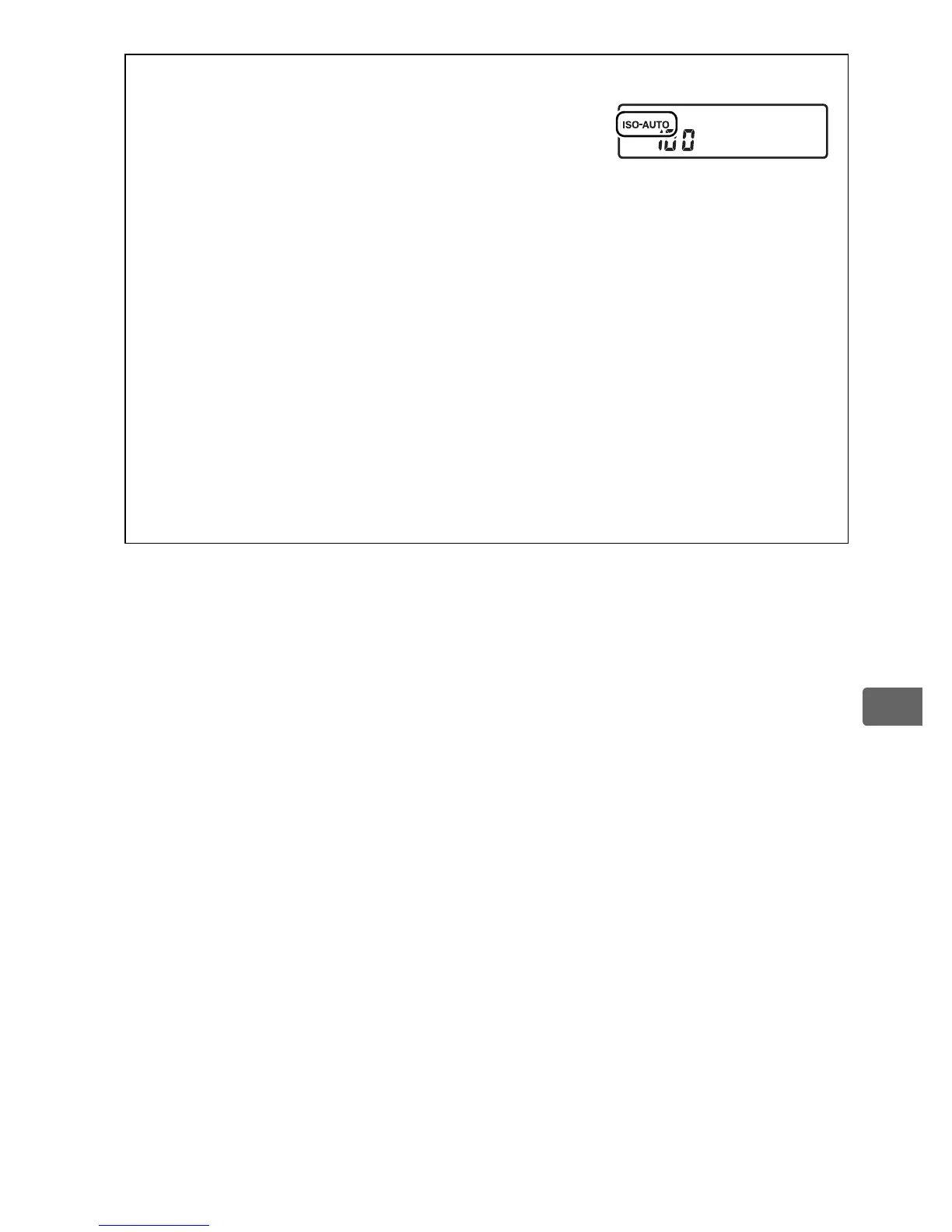
You can turn auto ISO sensitivity control on or
off by pressing the S button and rotating the
sub-command dial.
The rear control panel
displays an Z icon when auto ISO
sensitivity control is on and Y when it is off.
A Auto ISO Sensitivity Control
Noise (randomly-spaced bright pixels, fog, or lines) is more likely at
higher sensitivities.
Use the High ISO NR option in the shooting menu
to reduce noise (see page 308).
When a flash is used, the value selected
for Minimum shutter speed is ignored in favor of the option selected
for Custom Setting e1 (Flash sync speed, 0 331).
Note that ISO
sensitivity may be raised automatically when auto ISO sensitivity
control is used in combination with slow sync flash modes (available
with optional flash units; 0 196), possibly preventing the camera from
selecting slow shutter speeds.



 To Next Page