124
Z
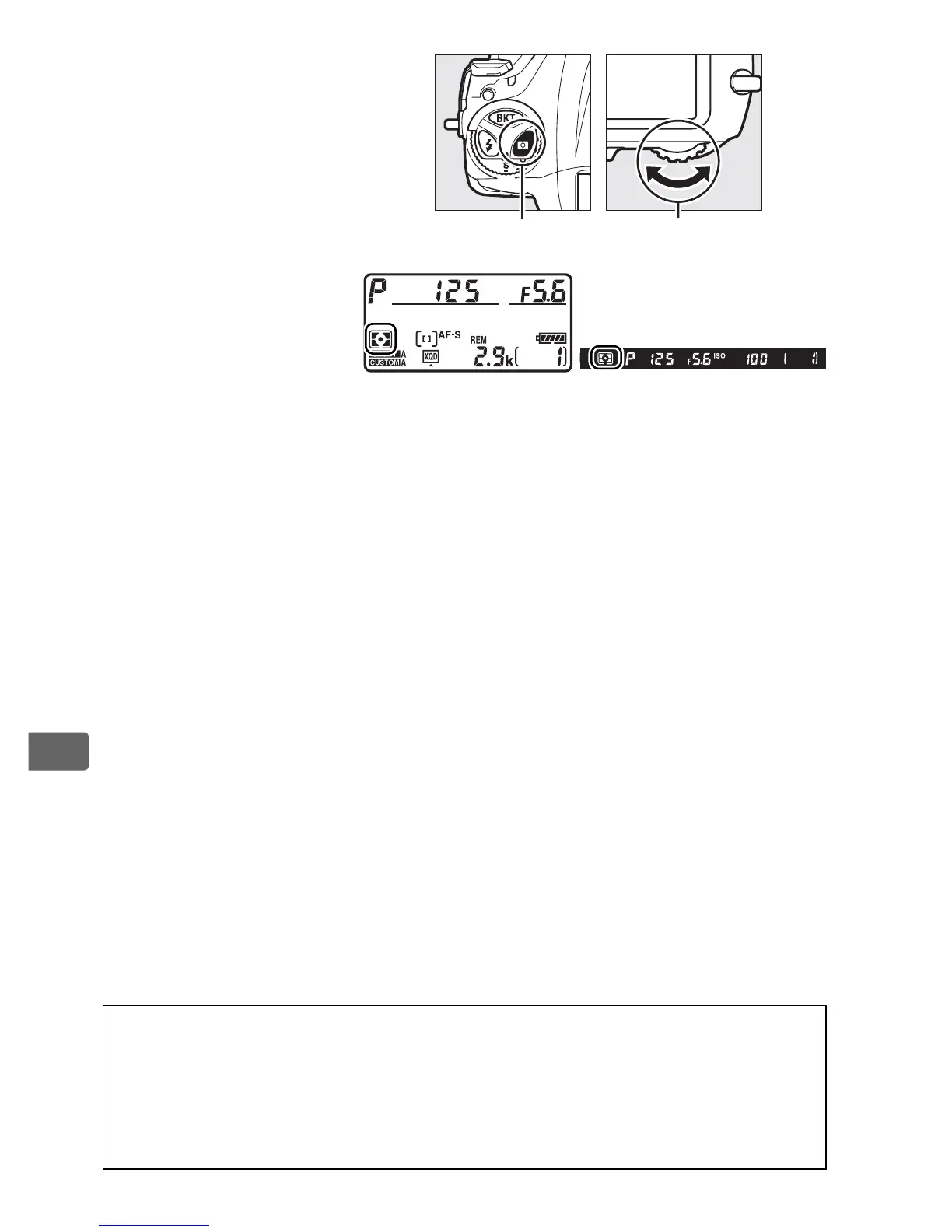
To choose a metering
option, press the Y
button and rotate the
main command dial
until the desired
setting is displayed in
the viewfinder and
top control panel.
A See Also
See Custom Setting b5 (Matrix metering, 0 323) for information on
choosing whether matrix metering uses face detection.
For information
on making separate adjustments to optimal exposure for each metering
method, see Custom Setting b7 (Fine-tune optimal exposure, 0 323).
Y button Main command dial
Top control panel Viewfinder



 To Next Page