193
J
5 Frame a photograph, focus, and shoot.
The camera takes two exposures when
the shutter-release button is pressed all
the way down.
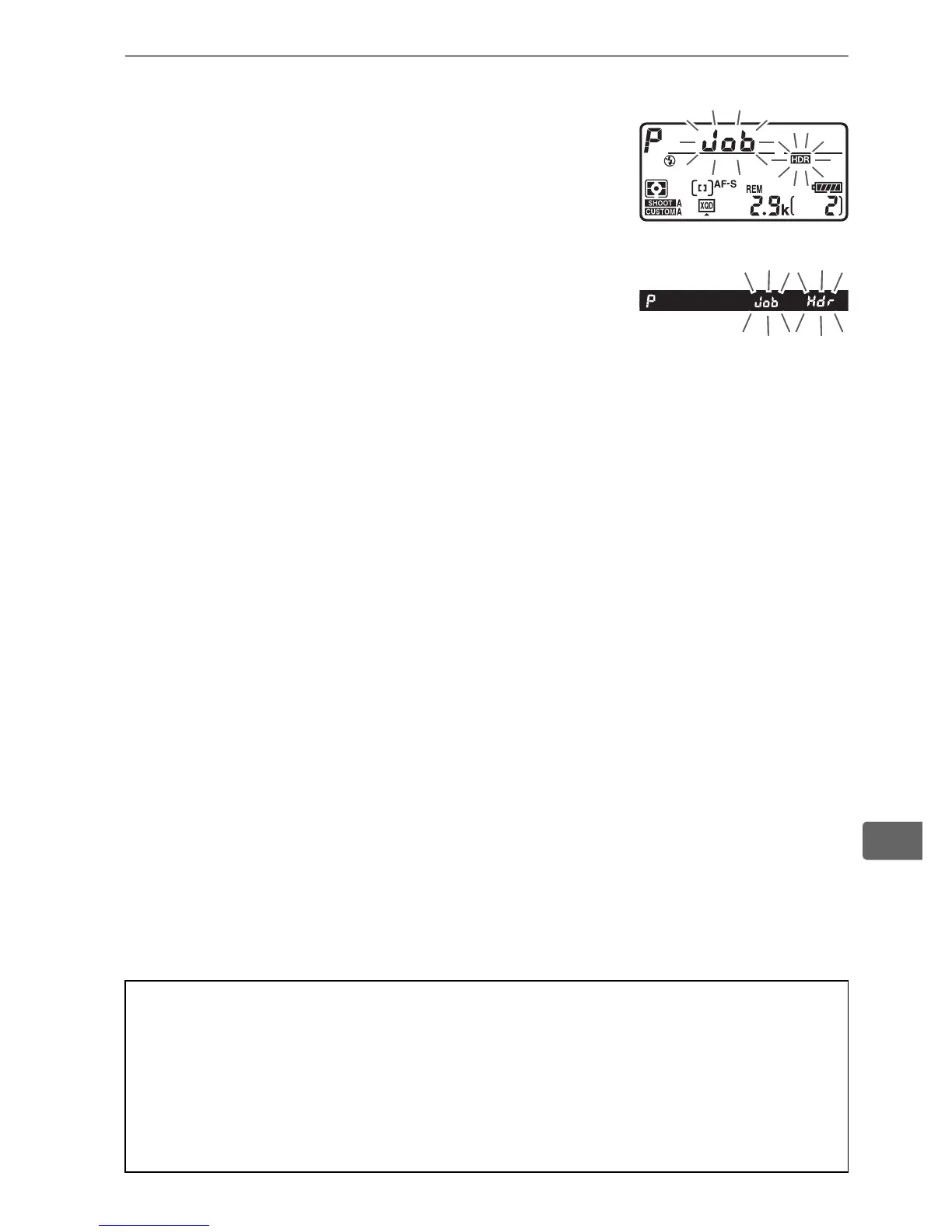
“ly” will be displayed
in the top control panel and l u in
the viewfinder while the images are
combined; no photographs can be taken
until recording is complete.
Regardless of
the option currently selected for release
mode, only one photograph will be taken
each time the shutter-release button is pressed.
If On (series) is selected, HDR will only turn off when Off is
selected for HDR mode; if On (single photo) is selected, HDR
turns off automatically after the photograph is taken.
The y
icon clears from the display when HDR shooting ends.
D Framing HDR Photographs
The edges of the image may be cropped out.
The desired results may
not be achieved if the camera or subject moves during shooting.
Use of
a tripod is recommended.
Depending on the scene, shadows may
appear around bright objects or halos may appear around dark objects;
this effect can be reduced by adjusting the amount of smoothing.
Top control panel
Viewfinder



 To Next Page