216
t
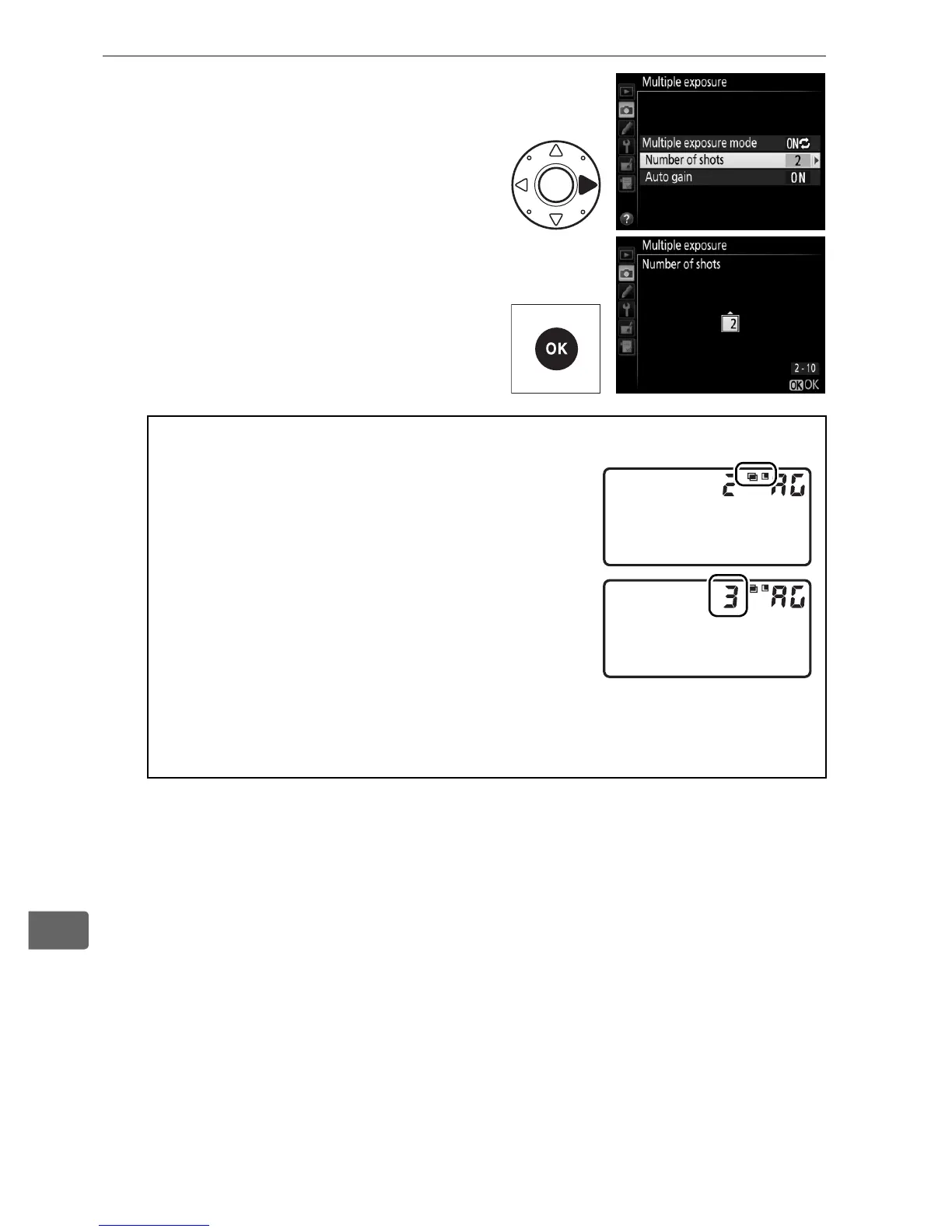
3 Choose the number of
shots.
Highlight Number of shots and
press 2.
Press 1 or 3 to choose the
number of exposures that will
be combined to form a single
photograph and press J.
A The D Button
If Multiple exposure is selected for
Custom Setting f9 (Assign BKT button;
0 344), you can select the multiple
exposure mode by pressing the D button
and rotating the main command dial and
the number of shots by pressing the D
button and rotating the sub-command
dial.
The mode and number of shots are
shown in the top control panel:
$F appears when On (series) is selected and $ when On (single
photo) is selected; no icon appears when multiple exposure is off.



 To Next Page