31
s
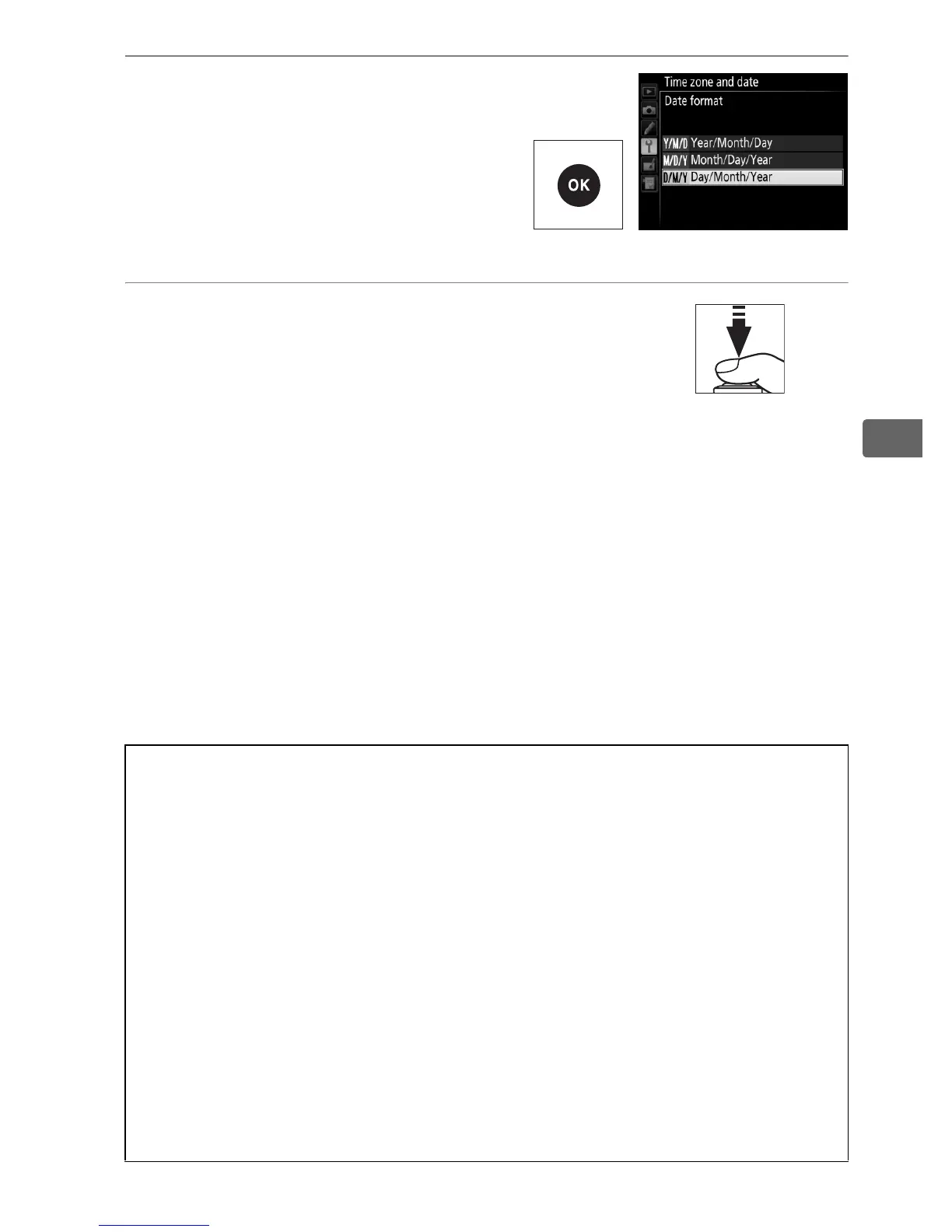
8 Set date format.
Select Date format and press
2.
Press 1 or 3 to choose the
order in which the year, month,
and day will be displayed and
press J.
9 Exit to shooting mode.
Press the shutter-release button halfway
to exit to shooting mode.
A The Clock Battery
The camera clock is powered by a separate, non-rechargeable CR1616
lithium battery with a life of about two years.
When this battery is low, a
B icon will be displayed in the top control panel while the standby
timer is on.
For information on replacing the clock battery, see
page 424.
A The Camera Clock
The camera clock is less accurate than most watches and household
clocks.
Check the clock regularly against more accurate time pieces and
reset as necessary.
A GPS Units (0 238)
If a GPS unit (0 412) is connected, the camera clock will be set to the
time and date provided by the GPS unit (0 240).



 To Next Page