965
N
The Retouch Menu: Creating Retouched Copies
If you chose [Select folder]:
Highlight a folder and press
J
to select; all pictures in the
selected folder will be processed using the same settings.
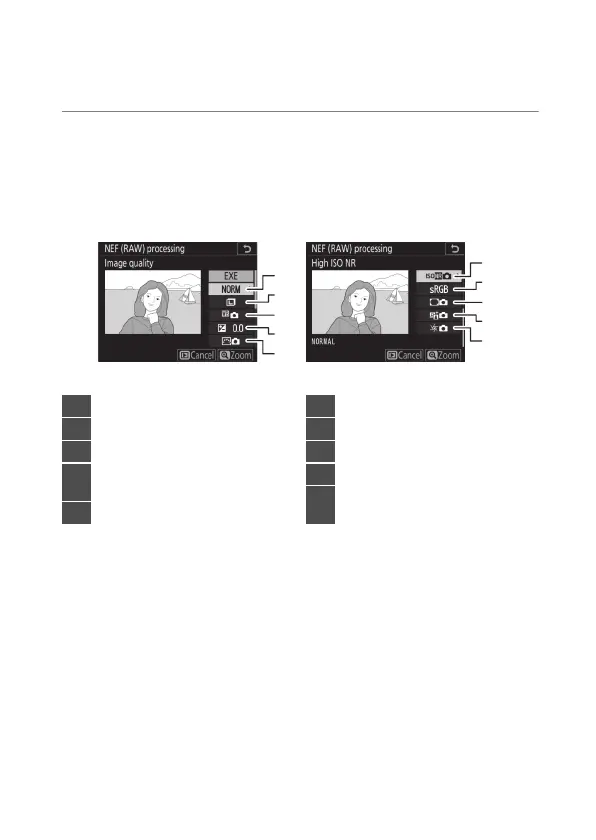
6
Choose settings for the JPEG copies.
•
The settings in effect when the photograph was taken
appear below a preview.
•
To use the setting in effect when the photograph was
taken, if applicable, select [Original].
4
3
2
1
5
9
8
7
6
10
1
Image quality (
0
142)
2
Image size (
0
145)
3
White balance (
0
221)
4
Exposure compensation
(
0
199)
5
Set Picture Control (
0
271)
6
High ISO NR (
0
768)
7
Color space (
0
765)
8
Vignette control (
0
769)
9
Active D-Lighting (
0
281)
10
Diffraction compensation
(
0
770)



 To Next Page