966
N
The Retouch Menu: Creating Retouched Copies
7
Copy the photographs.
•
Highlight [EXE] and press
J
to
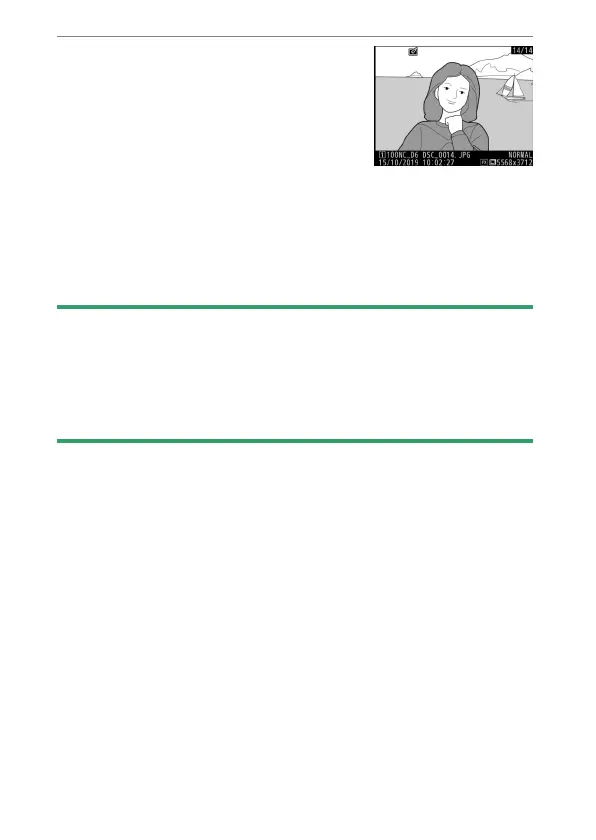
create JPEG copies of the selected
photographs.
•
If multiple photos are selected, a
confirmation dialog will be
displayed after you highlight [EXE] and press
J
; highlight
[Yes] and press
J
to create JPEG copies of the selected
photos.
•
To exit without copying the photographs, press the
G
button.
D
NEF (RAW) Processing
•
NEF (RAW) processing is available only with NEF (RAW) pictures created
with this camera. Pictures in other formats and NEF (RAW) photos taken
with other cameras or Camera Control Pro 2 cannot be selected.
•
[Exposure compensation] can only be set to values between −2 and
+2 EV.



 To Next Page