982
N
The Retouch Menu: Creating Retouched Copies
4
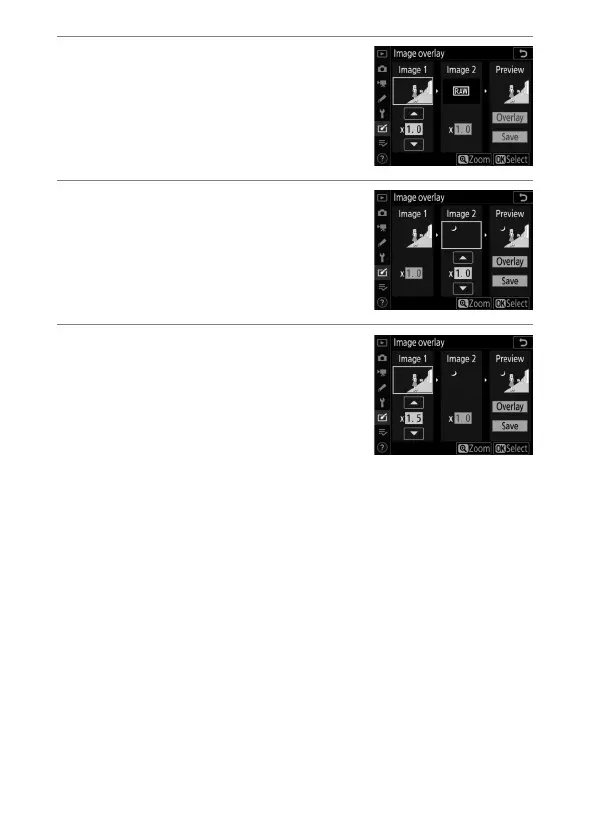
Select the first picture.
Press
J
to select the highlighted
photograph and return to the
preview display with the selected
picture listed under [Image 1].
5
Select the second picture.
Press
2
and select [Image 2], then
select the second photo as described
in Steps 3 and 4.
6
Adjust gain.
•
The overlay of [Image 1] and
[Image 2] can be previewed in the
“Preview” column. Highlight
[Image 1] or [Image 2] and
optimize exposure for the overlay
by pressing
1
or
3
to adjust gain.
•
Choose from values between 0.1 and 2.0 in increments of
0.1.
•
The effects are relative to the default value of 1.0 (no gain).
For example, selecting 0.5 halves gain.



 To Next Page