983
N
The Retouch Menu: Creating Retouched Copies
7
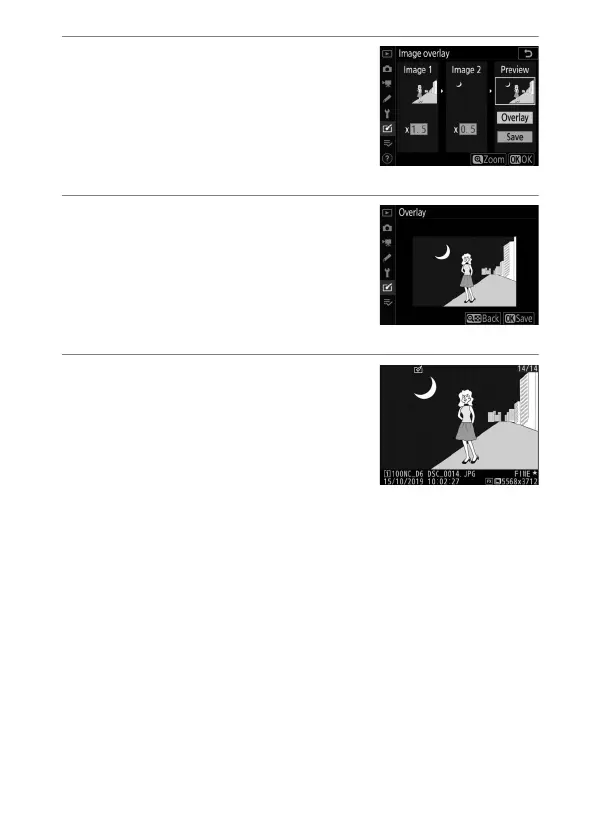
Select the “Preview” column.
•
Press
4
or
2
to place the cursor in
the “Preview” column.
•
To proceed without previewing the
overlay, highlight [Save] and press
J
.
8
Preview the overlay.
•
To preview the overlay, highlight
[Overlay] and press
J
.
•
To select new photos or adjust gain,
press
W
(
M
). You will be returned to
Step 6.
9
Save the overlay.
To save the overlay and display the
resulting image, press
J
while the
preview is displayed.



 To Next Page