105
The AF-Mode Button
❚❚
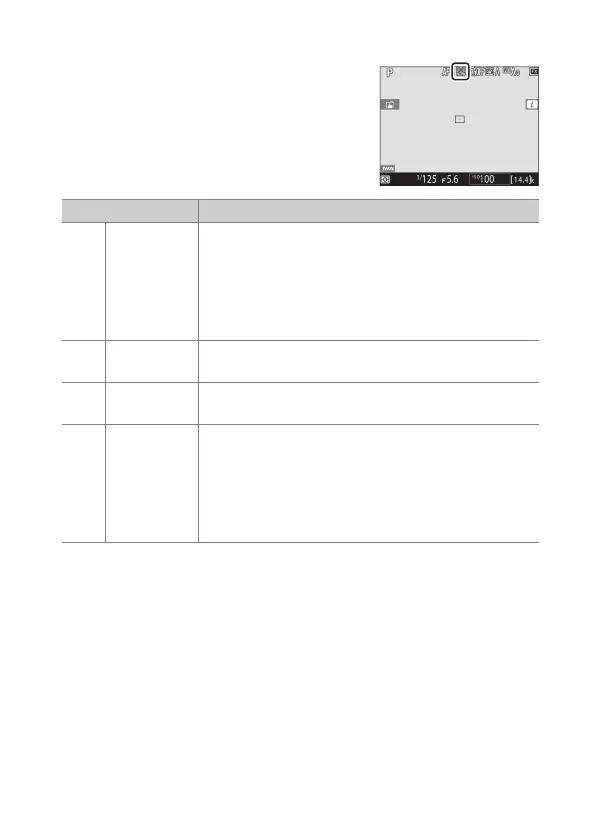
Live View Photography/Movie Recording
The selected AF-area mode is displayed
in the monitor during live view
photography and filming.
Option Description
!
[Face-
priority AF]
The camera automatically detects and focuses on
portrait subjects; the selected subject is indicated
by a yellow border. If multiple faces (up to a
maximum of 16) are detected, you can choose a
subject using the multi selector.
•
Use for portraits.
5
[Wide-area
AF]
As for [Normal-area AF] except that the camera
focuses on a wider area.
6
[Normal-
area AF]
The camera focuses on a point selected by the user.
n
[Subject-
tracking AF]
Position the focus point over your subject and
press the center of the multi selector; the focus
point will track the selected subject as it moves
through the frame. To end tracking, press the
center of the multi selector again.
•
Use to track focus on a chosen subject.



 To Next Page