224
Achieving Natural Colors with Different Light Sources (White Balance)
* Values when fine-tuning is set to 0.
A
Auto
•
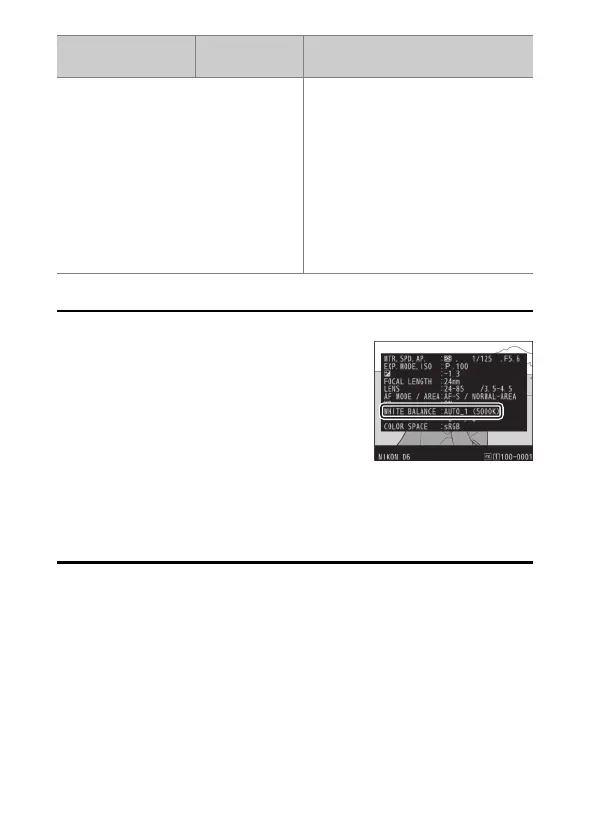
The photo info [Basic shooting data] page
for pictures shot with [Auto] or [Natural
light auto] selected for white balance lists
the color temperature selected by the
camera at the time the picture was taken
(
0
410). You can use this as reference when
choosing a value for [Choose color
temperature].
•
To view the [Basic shooting data] page during playback, go to
[Playback display options] in the playback menu and place checks (
M
)
next to [Shooting data] and [Basic shooting data].
L
[Preset manual]
Measure white balance directly
from a subject or light source or
copy white balance from an
existing photograph.
•
To choose a white balance
preset, hold the
U
button and
rotate the sub-command dial.
•
To enter direct measurement
mode, press and hold the
U
button (
0
234).
Option
Color
temperature
*
Description



 To Next Page