225
Achieving Natural Colors with Different Light Sources (White Balance)
❚❚
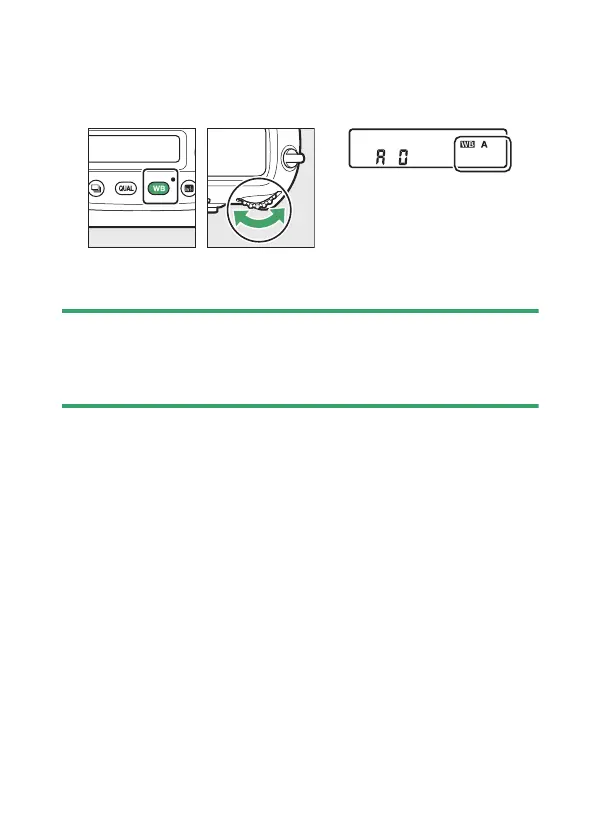
Choosing a White Balance Option
To choose a white balance option, hold the
U
button and
rotate the main command dial. The selected option is displayed
in the rear control panel.
Options for the selected setting, if any, can be selected by
holding the
U
button and rotating the sub-command dial.
D
Studio Flash Lighting
[Auto] may not produce the desired results with large studio flash units.
Use preset white balance or set white balance to [Flash] and use fine-
tuning to adjust white balance.



 To Next Page