243
Achieving Natural Colors with Different Light Sources (White Balance)
4
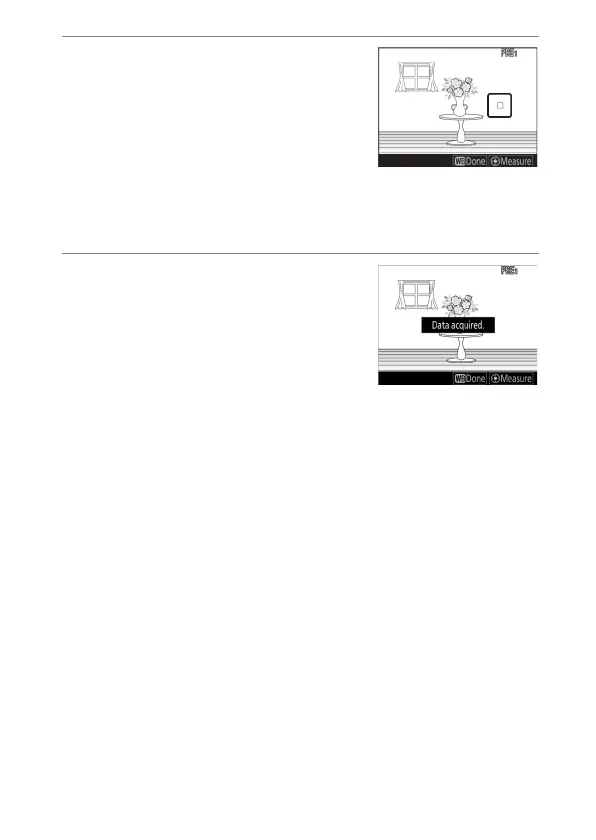
While the
L
icon is flashing,
use the multi selector to
position the spot white
balance target (
r
) over a
white or gray area of the
subject.
To zoom in on the area around the target (
r
) for more
precise positioning, press the
X
button.
5
Measure a value for preset
white balance either by
pressing the center of the
multi selector or by pressing
the shutter-release button all
the way down.
•
If the camera is able to measure white balance, the new
value will be reflected in the display.



 To Next Page