244
Achieving Natural Colors with Different Light Sources (White Balance)
•
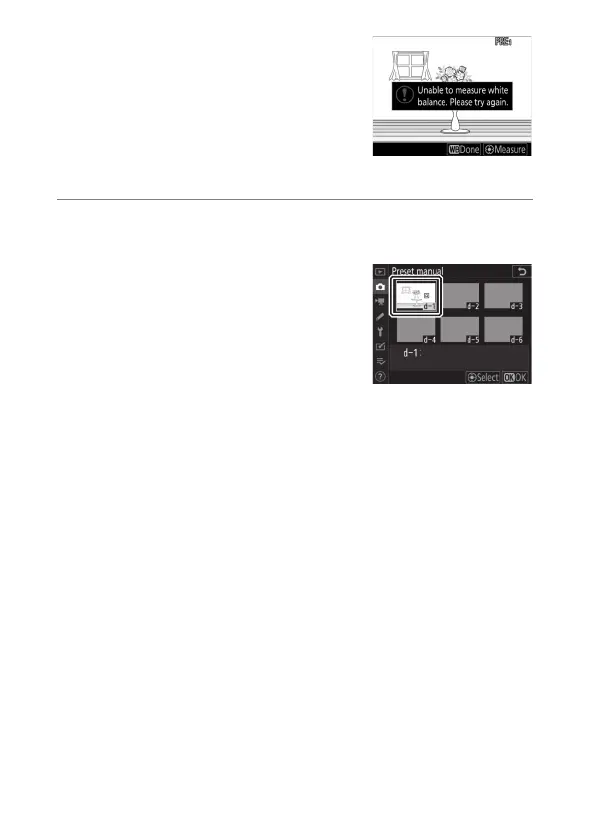
If the camera is unable to measure
white balance, a message will be
displayed and the camera will
return to Step 4. Try measuring
white balance again, for example
with the target (
r
) positioned over
a different area of the subject.
6
Press the
U
button to exit direct measurement
mode.
White balance presets can be viewed
by selecting [White balance]>
[Preset manual] in the photo or
movie shooting menu. White frames
show the positions of the targets
used to measure preset white
balance.



 To Next Page