286
Preserving Detail in Highlights and Shadows (Active D-Lighting and HDR)
•
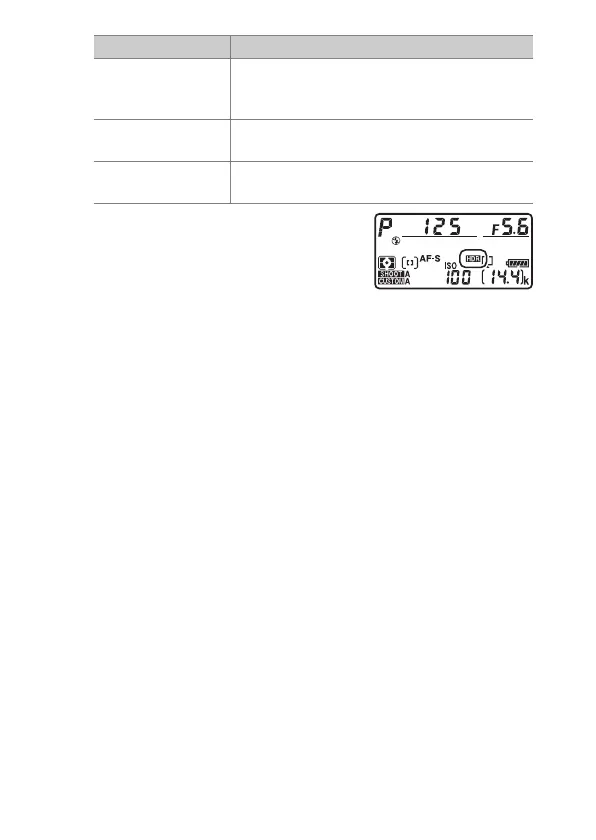
If [On (series)] or [On (single
photo)] is selected, an
y
icon will
be displayed in the top control
panel while HDR mode is in effect.
Option Description
[
0
On (series)]
Take a series of HDR photographs. HDR
shooting will continue until you select [Off]
for [HDR mode].
[On (single photo)]
Normal shooting will resume after you have
taken a single HDR photograph.
[Off]
Proceed without taking additional HDR
photographs.



 To Next Page