287
Preserving Detail in Highlights and Shadows (Active D-Lighting and HDR)
3
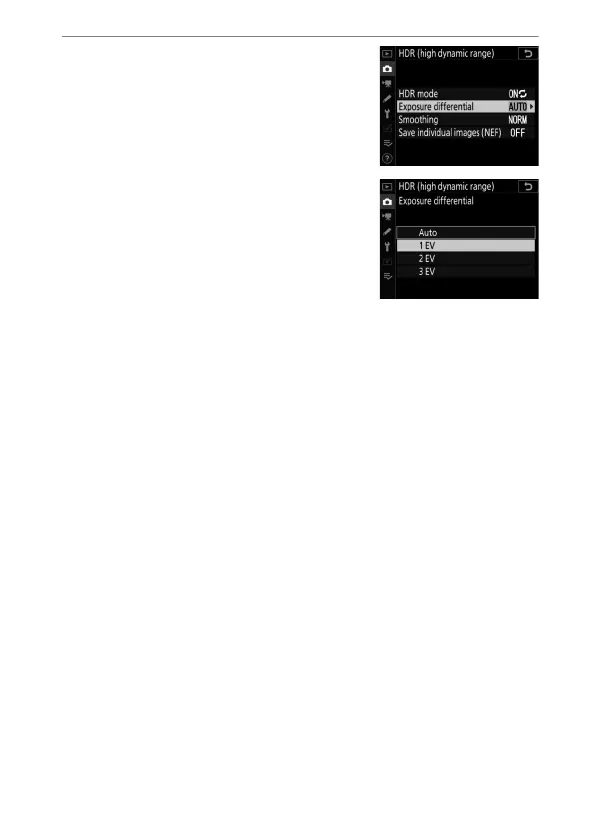
Choose a value for [Exposure
differential].
•
Highlight [Exposure differential]
and press
2
.
•
Highlight an option using
1
or
3
and press
J
.
•
Choose higher values for high-
contrast subjects.
•
Note, however, that choosing a
higher value than required may not
produce the desired results. Match your choice to the level
of contrast in the scene.
•
If [Auto] is selected, the camera will automatically adjust
the exposure differential to suit the scene.



 To Next Page