288
Preserving Detail in Highlights and Shadows (Active D-Lighting and HDR)
4
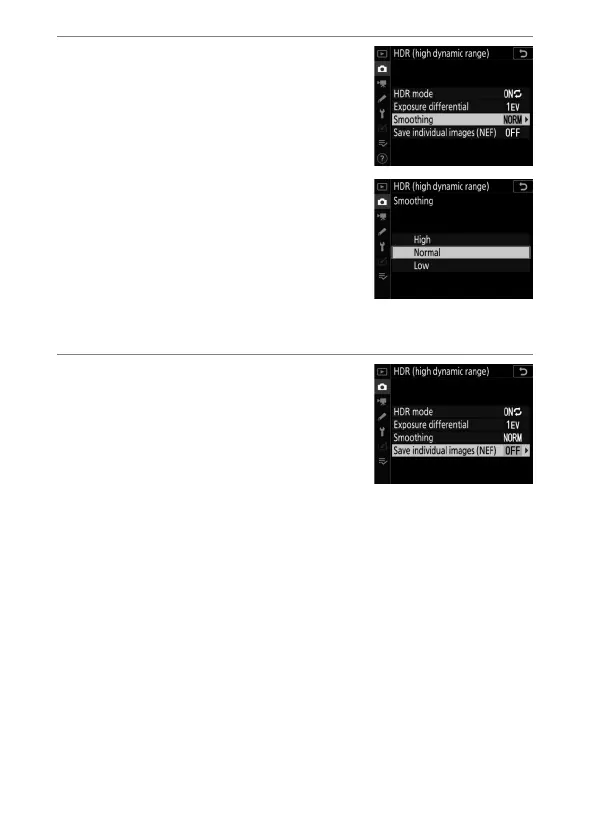
Adjust [Smoothing].
•
Highlight [Smoothing] and press
2
.
•
Highlight an option using
1
or
3
and press
J
; the selected option
represents the amount the
boundaries between the two
images are smoothed.
•
Higher values produce a smoother
composite image.
5
Choose a setting for [Save
individual images (NEF)].
•
Highlight [Save individual images
(NEF)] and press
2
.
•
Highlight an option using
1
or
3
and press
J
.
•
Choose [On] to save each of the individual shots used to
create the HDR image; the shots are saved in NEF (RAW)
format. The shots are saved at an image size of [Large],
regardless of the option selected for [Image size]> [NEF
(RAW)] in the photo shooting menu.



 To Next Page