289
Preserving Detail in Highlights and Shadows (Active D-Lighting and HDR)
6
Frame the photograph, focus, and shoot.
•
The camera takes two exposures when the shutter-release
button is pressed all the way down.
•
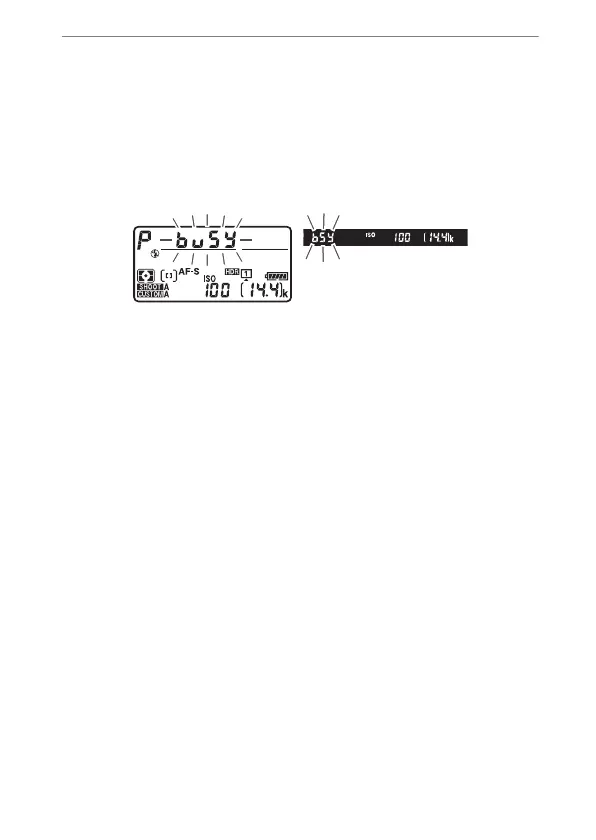
Flashing “
1
” and “
k
” indicators appear respectively
in the top control panel and viewfinder while the images
are combined. No additional pictures can be taken until
recording is complete.
•
If [On (series)] is selected for [HDR mode], you can
continue to take HDR photographs until [Off] is selected.
•
If [On (single photo)] is selected, HDR will turn off
automatically after a single shot.



 To Next Page