325
Combining Multiple Exposures in a Single Photo (Multiple Exposure)
8
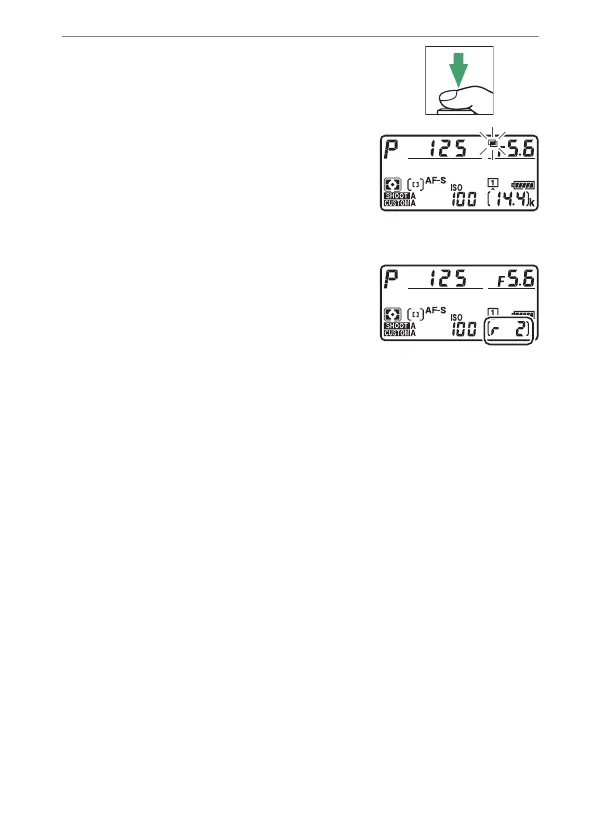
Start shooting.
•
The
n
icon will flash.
•
Take the selected number of shots.
If you used [Select first exposure
(NEF)] to select an existing NEF
(RAW) image as the first exposure in
Step 7, shooting will start from the second exposure.
•
The number of exposures
remaining in the current multiple
exposure can be displayed by
pressing the shutter-release button
halfway between shots.
•
Once you have taken the selected number of shots, the
pictures will be overlaid to create a multiple exposure.
Multiple exposures are recorded in JPEG format regardless
of the option selected for image quality.



 To Next Page