358
Creating a Movie from Photos (Time-Lapse Movie)
•
Shooting may end if camera controls are used, settings are changed, or
an HDMI cable is connected. A movie will be created from the frames
shot to the point where shooting ended.
•
The following end shooting without a beep sounding or a movie being
recorded:
- Disconnecting the power source
- Ejecting the memory card
D
During Shooting
•
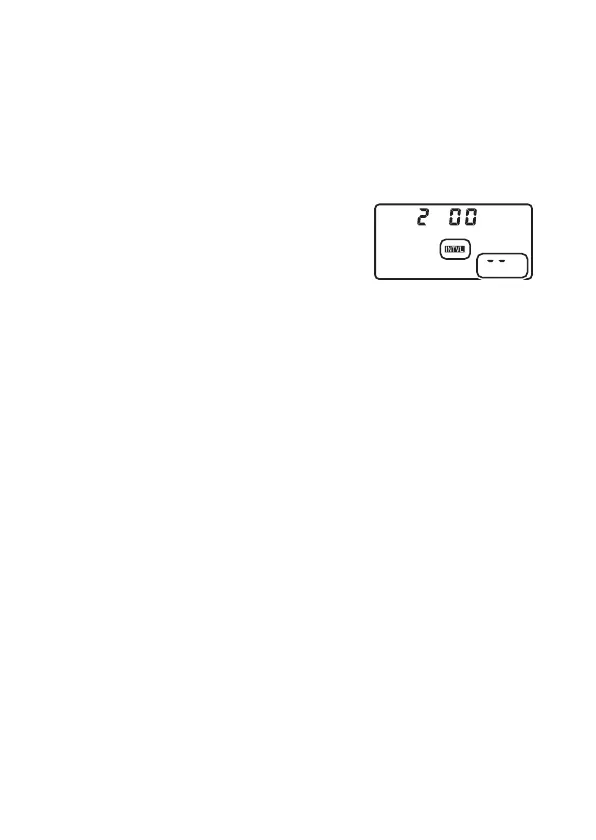
During shooting,
Q
and the time-lapse
recording indicator will be displayed in the
top control panel. The time remaining (in
hours and minutes) appears in the shutter-
speed display immediately before each frame
is recorded.
•
At other times, the time remaining can be viewed by pressing the
shutter-release button halfway.
D
Adjusting Settings Between Shots
Shooting and menu settings can be adjusted between shots. Note,
however, that the monitor will turn off approximately 2 s before the next
shot is taken.



 To Next Page