365
Varying Focus over a Series of Photos (Focus Shift Shooting)
•
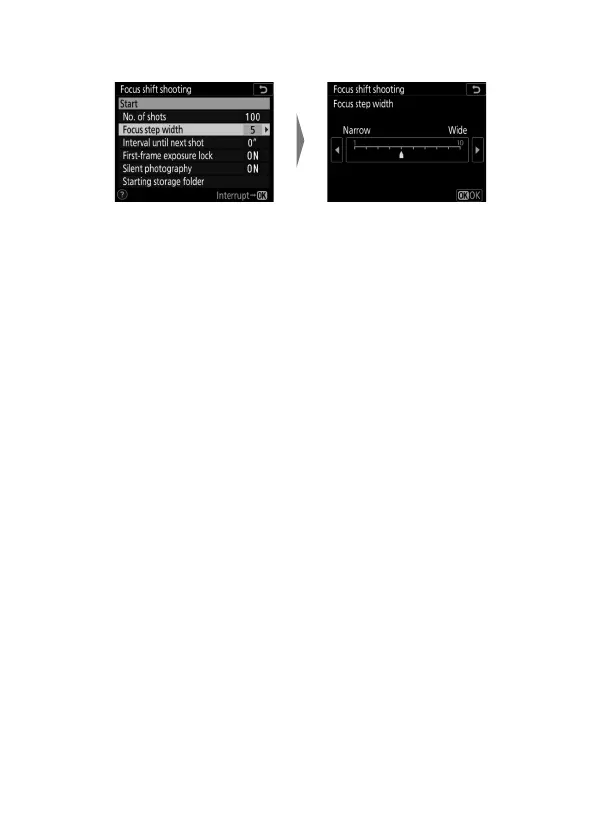
Choose the amount the focus distance changes with
each shot.
-Press
4
to reduce the focus step width,
2
to increase.
- Note that high settings increase the risk that some areas
will be out of focus when the shots are stacked. A value of
5 or less is recommended.
- Try experimenting with different settings before
shooting.
Highlight [Focus step width]
and press
2
.
Choose a focus step width
and press
J
.



 To Next Page