366
Varying Focus over a Series of Photos (Focus Shift Shooting)
•
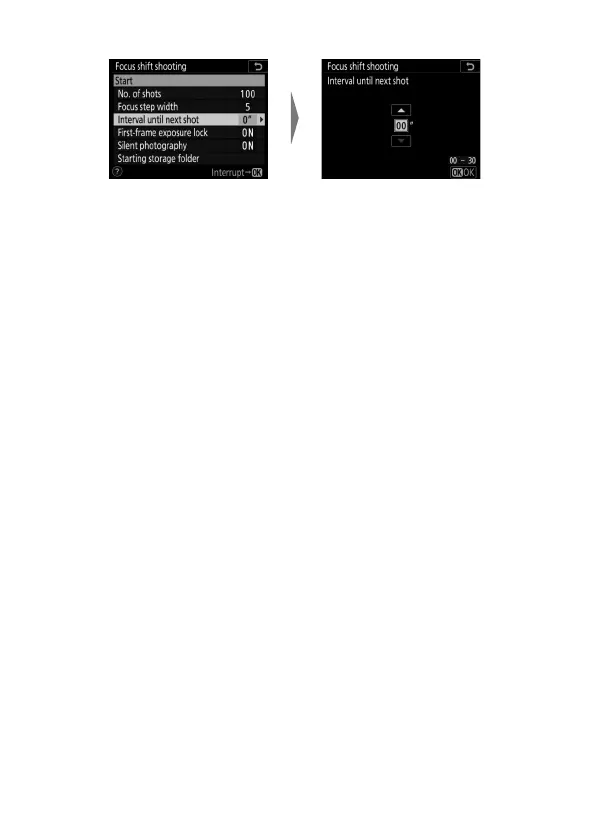
Choose the interval between shots.
- Choose the interval between shots, in seconds.
- Select [00] to take photos at up to approximately 3 fps.
- To ensure correct exposure when using a flash, choose an
interval long enough for the flash to charge. A setting of
[00] is recommended when shooting without a flash.
Highlight [Interval until
next shot] and press
2
.
Choose the interval between
shots (in seconds) and press
J
.



 To Next Page