369
Varying Focus over a Series of Photos (Focus Shift Shooting)
•
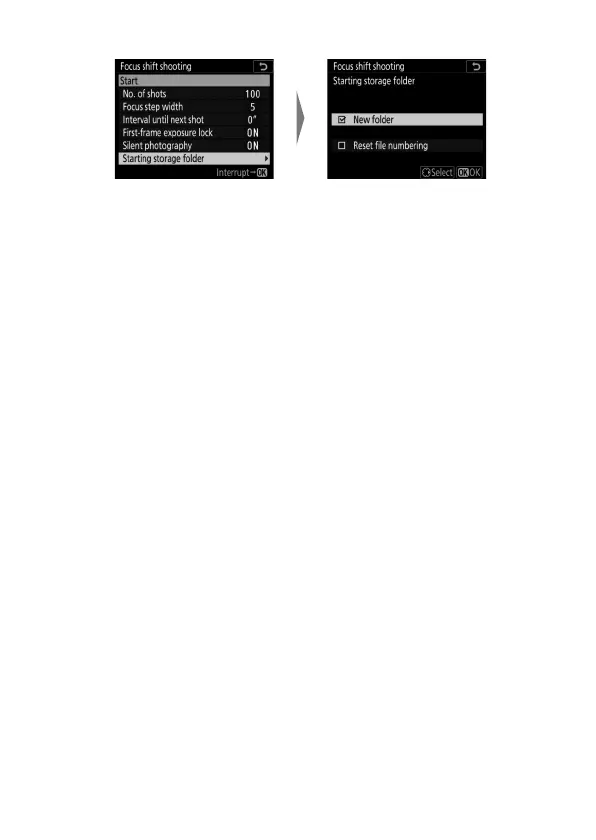
Choose starting folder options.
- Highlight an option and press
2
to select; selected items
are marked with a check (
M
). To deselect (remove the
check from:
U
) a selected option, highlight it and press
2
again.
- Place a check (
M
) next to [New folder] to create a new
folder for each new sequence.
- Place a check (
M
) next to [Reset file numbering] to reset
file numbering to 0001 whenever a new folder is created.
Highlight [Starting storage
folder] and press
2
.
Select the desired options
and press
J
to proceed.



 To Next Page