370
Varying Focus over a Series of Photos (Focus Shift Shooting)
5
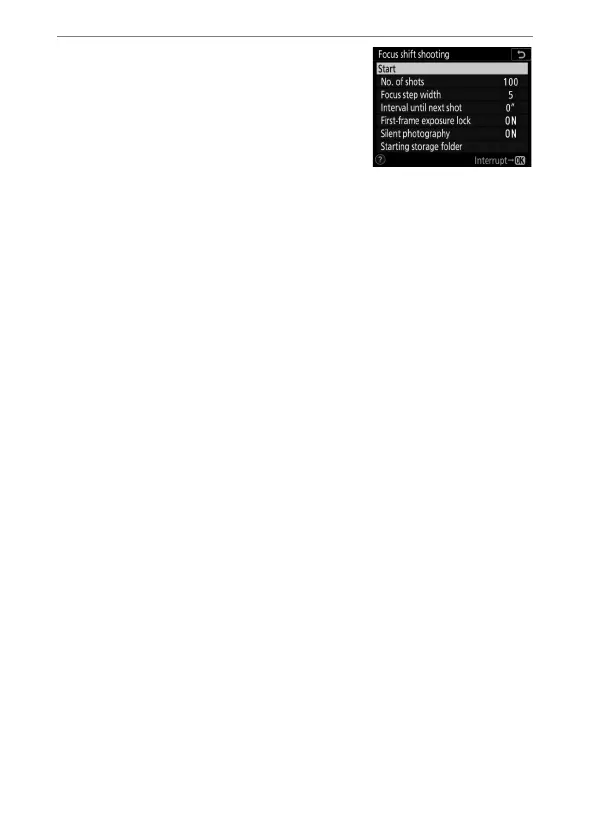
Highlight [Start] and press
J
.
•
Shooting starts after about 3 s.
•
The camera takes photographs at
the selected interval, starting at the
focus distance selected at the start
of shooting and progressing out
toward infinity by the selected focus step distance with
each shot.
•
Shooting ends when the selected number of shots has
been taken or focus reaches infinity.
•
To end shooting before all shots have been taken, either:
-select [Focus shift shooting] in the photo shooting
menu, highlight [Off], and press
J
, or
- press the shutter-release button halfway or press the
J
button between shots.



 To Next Page