606
HTTP Server
7
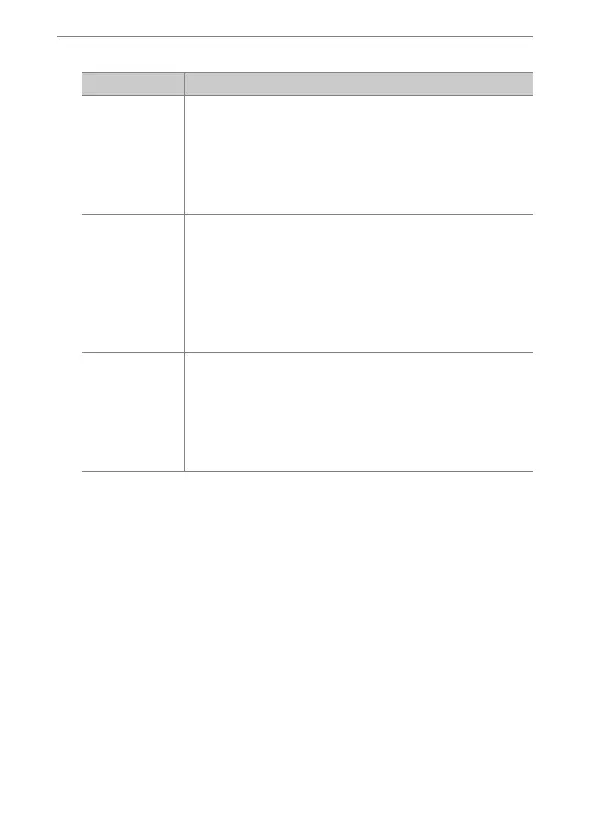
Choose [Shooting/Viewer], [Viewer], or [Edit text].
Option Description
[Shooting/
Viewer]
Control the camera and take pictures remotely from
a web browser on a computer or smart device. You
can also view pictures (
0
610, 622).
•
Only one user can connect at a time. This option is
not displayed if another user is currently
connected using [Shooting/Viewer] or [Edit text].
[Viewer]
View the pictures on the camera memory card from
a web browser on a computer or smart device
(
0
614, 625).
•
Up to five users can connect at a time. Note,
however, that only four users will be able to
connect at a time if another user is currently
connected using [Shooting/Viewer] or [Edit text].
[Edit text]
Use a web browser on a computer or smart device to
edit image comments and copyright and IPTC
information stored on the camera (
0
617, 627).
•
Only one user can connect at a time. This option is
not displayed if another user is currently
connected using [Shooting/Viewer] or [Edit text].



 To Next Page