614
HTTP Server
❚❚
The Viewer Window
The viewer window can be accessed by selecting [Viewer] on
the server home page or by clicking or tapping the “view”
button in the shooting window. The viewer window offers a
choice of thumbnail, film-strip, and full-frame views.
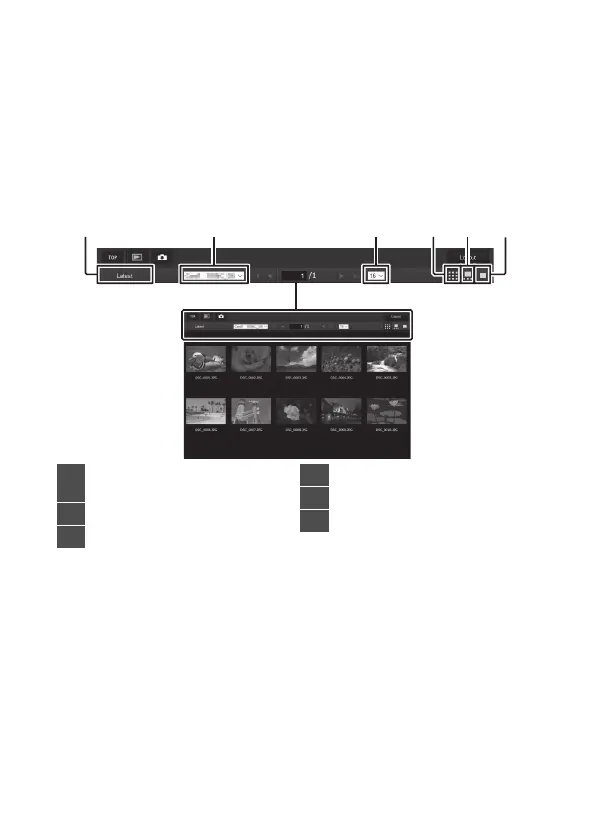
Thumbnail View
View multiple small (“thumbnail”) images per page.
1
View most recent picture in
folder
2
Folder selection
3
Thumbnails per page
4
Thumbnail view
5
Film-strip view
6
Full-frame view



 To Next Page