613
HTTP Server
A
Enabling Live View on the Camera
When the view through the camera lens is displayed in the viewfinder
area, pressing the camera
a
button will display the view through the lens
in the camera monitor. Press the
a
button again to end live view on the
camera.
A
The Release-Mode Button
Rotating the camera release mode dial to
S
(quick
release-mode selection) enables the browser-window
release-mode button, which can be used to choose
from single-frame, high-speed continuous, and low-
speed continuous release modes. In high- and low-
speed continuous release modes, the camera takes photographs while
the browser shutter-release button is pressed.
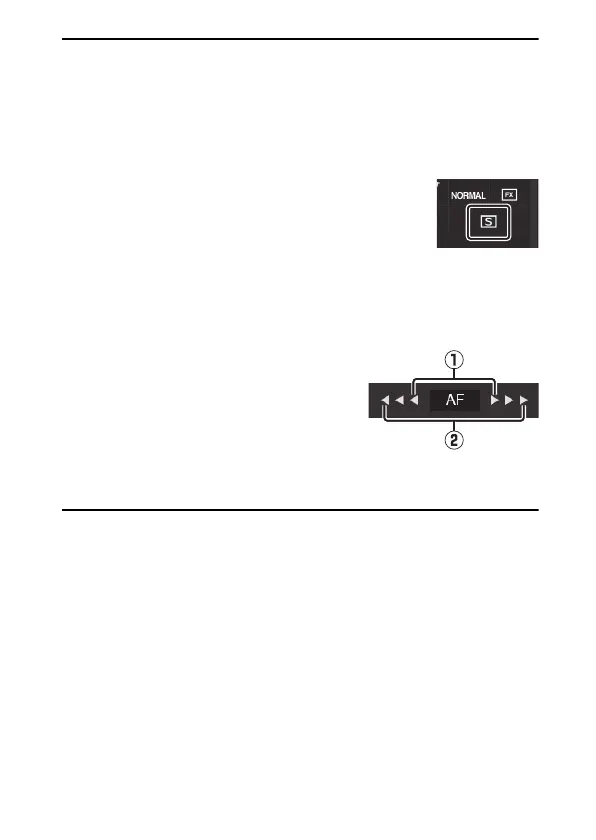
A
Focus Buttons
The size of the focus adjustment increases
with the distance of the button from the
center of the display. Use
q
for smaller
increases,
w
for larger increases.
A
Focusing
To focus, click or tap your subject in the viewfinder area.



 To Next Page