666
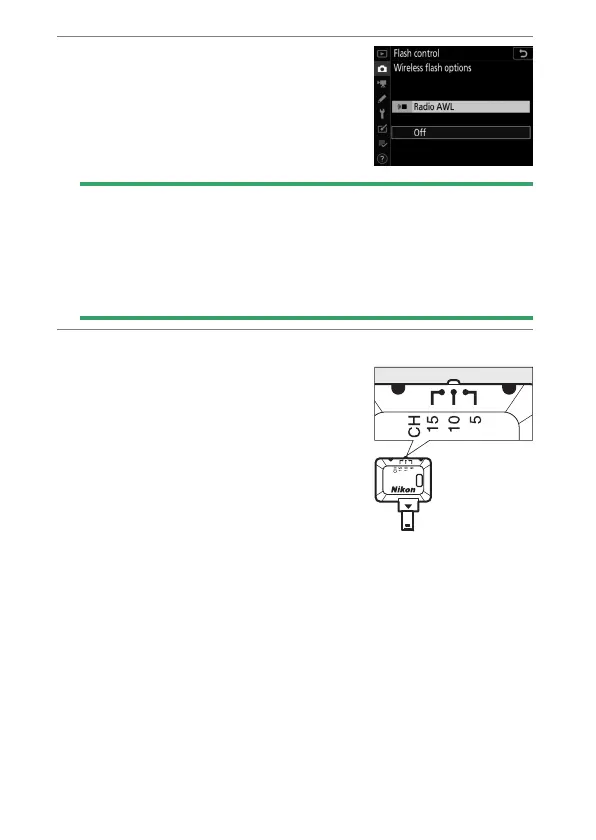
Radio AWL
2
C
: Select [Radio AWL] for
[Flash control] > [Wireless flash
options] in the photo shooting
menu.
D
The WR-R10 Wireless Remote Controller
•
A WR-A10 adapter is required when using the WR-R10.
•
Be sure to update the firmware for the optional WR-R10 wireless
remote controller to version 3.0 or later before using radio AWL. For
information on firmware updates, see the Nikon website for your
area.
3
C
: Choose a channel for the WR-R10.
Set the WR-R10 channel selector to
the desired channel.



 To Next Page