667
Radio AWL
4
C
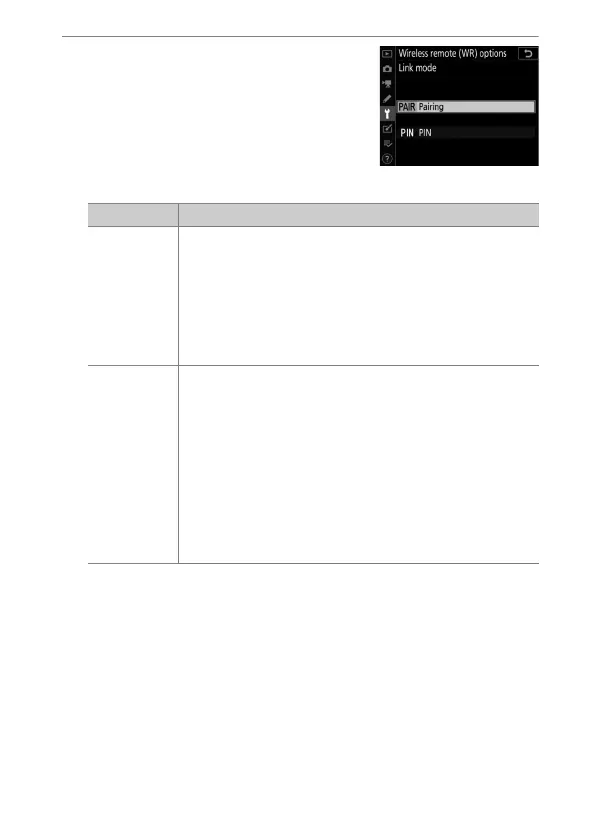
: Choose a link mode for the
WR-R10.
Select [Wireless remote (WR)
options]> [Link mode] in the
camera setup menu and choose from
the following options:
Option Description
[Pairing]
The camera connects only to devices with which it has
previously been paired.
•
This prevents signal interference from other devices
in the vicinity.
•
Given that each device must be paired separately,
PIN is recommended when connecting to a large
number of devices.
[PIN]
Communication is shared among all devices with the
same four-digit PIN.
•
This is therefore a good choice for photography
featuring a large number of remote devices.
•
If there are multiple cameras present that share the
same PIN, the flash units will be under the sole
control of the camera that connects first, preventing
all other cameras from connecting (the LEDs on the
WR-R10 units connected to the affected cameras will
blink).



 To Next Page