890
B
The Setup Menu: Camera Setup
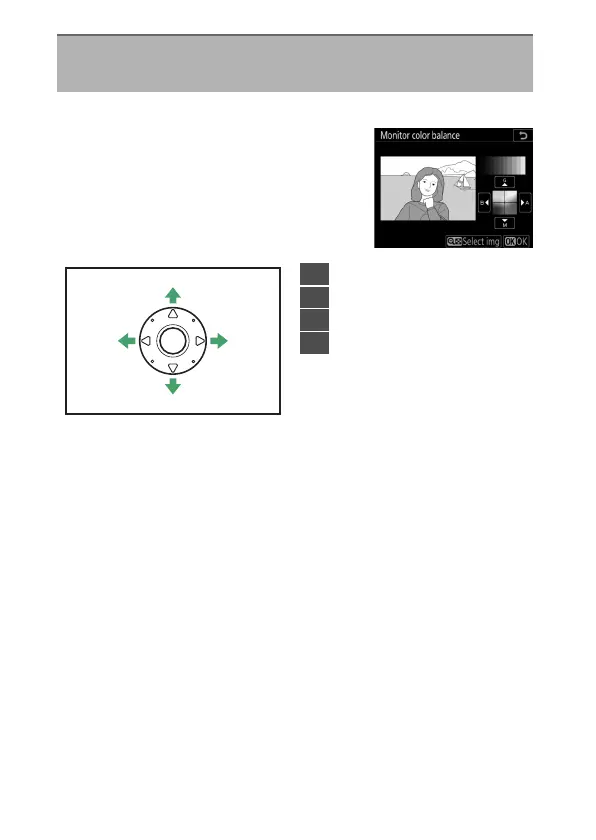
Adjust monitor color balance to your taste.
•
Color balance is adjusted using the
multi selector. Press
1
,
3
,
4
, or
2
to
adjust color balance as shown below.
Press
J
to save changes.
•
Monitor color balance applies only to menus, playback, and
the view through the lens displayed during live view; pictures
taken with the camera are not affected.
Monitor Color Balance
G
button
U
B
setup menu
1
3
24
1
Increase green
2
Increase amber
3
Increase magenta
4
Increase blue



 To Next Page