891
B
The Setup Menu: Camera Setup
•
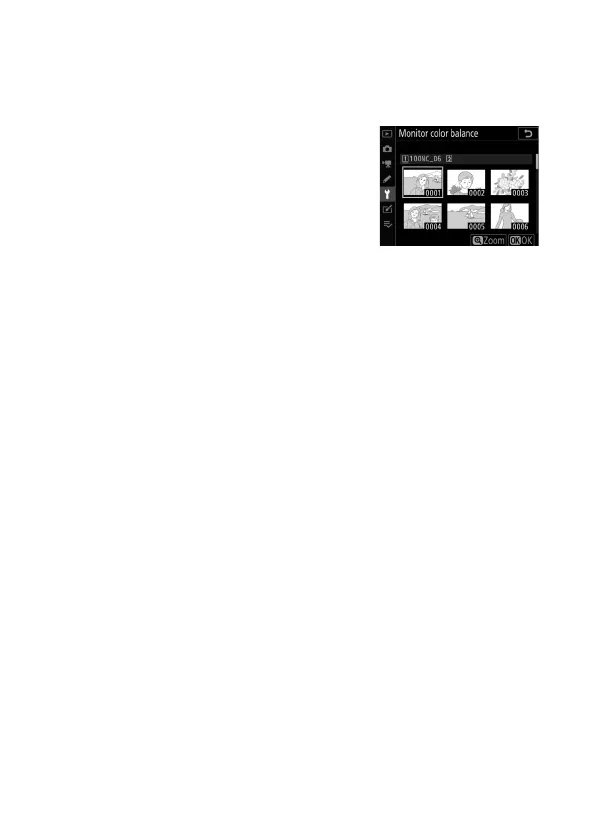
The reference image is either the last picture taken or, in
playback mode, the picture last displayed. If the memory card
contains no pictures, an empty frame will be displayed
instead.
•
To choose a different picture, press the
W
(
M
) button. Highlight the desired
picture and press
J
to select it as the
reference image.
•
To view the highlighted picture full
frame, press and hold
X
.



 To Next Page