908
B
The Setup Menu: Camera Setup
2
With the lens about ten centimeters (four inches)
from a well-lit, featureless white object, frame the
object so that it fills the display and then press the
shutter-release button halfway.
•
In autofocus mode, focus will automatically be set to
infinity.
•
In manual focus mode, set focus to infinity manually.
3
Press the shutter-release button the rest of the
way down to acquire Image Dust Off reference
data.
•
The monitor turns off when the shutter-release button is
pressed.
•
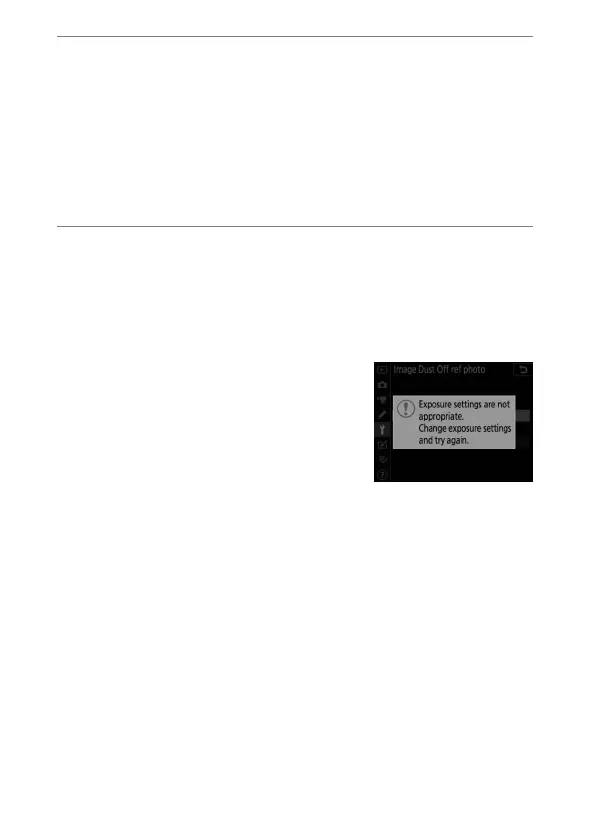
If the reference object is too bright
or too dark, the camera may be
unable to acquire Image Dust Off
reference data, in which case a
message will be displayed and the
camera will return to the display
shown in Step 1. Choose another reference object and
press the shutter-release button again.



 To Next Page