VBA10401-R.3623.A
- A37 ・ -
D70 Inspection and Adjustment Software (J18354)
This inspection and adjustment software runs on Windows.
Install the software by following the below procedure.
The following operating environment is required for installing this program on PC.
PC IBM PC/AT compatible
OS Windows XP Home Edition, Windows Millennium Edition (Me),
Windows 98 Second Edition (SE), Windows 98, Windows 95
CPU 80486 100MHz ~ Pentium Ⅲ 1.2GHz
RAM (memory) 32MB or more
HD 6MB-or-more free disk space is required when installing
Monitor resolution 800×600 pixels or more
Interface Serial Interface
※ USB Interface is not available.
As long as the above hardware requirements are met, any PC such as desktop or laptop, etc is available.
<Notice on start-up>
When starting this program, close all the other applications.
If some other applications are running, this program may not be activated.
<Procedure for installation>
The le (D70SOFT.EXE) of this program is provided via FD or e-mail.
Because this is the self-extracting le, decompress the le before installing, following the next procedure.
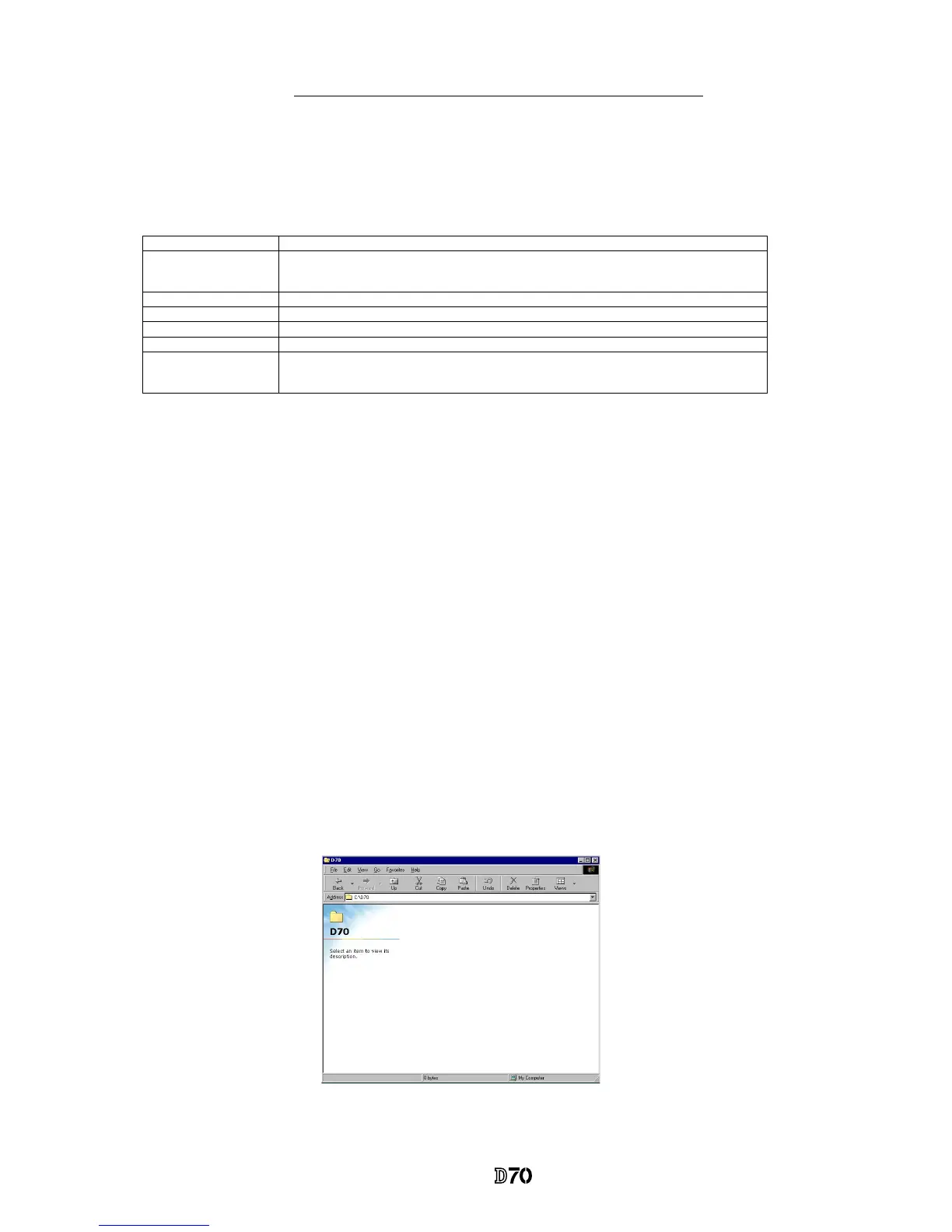
1. Create a folder for installation under a name you like and PC drive.
(e.g.) C:\D70



 To Next Page