B–4
B
Operation
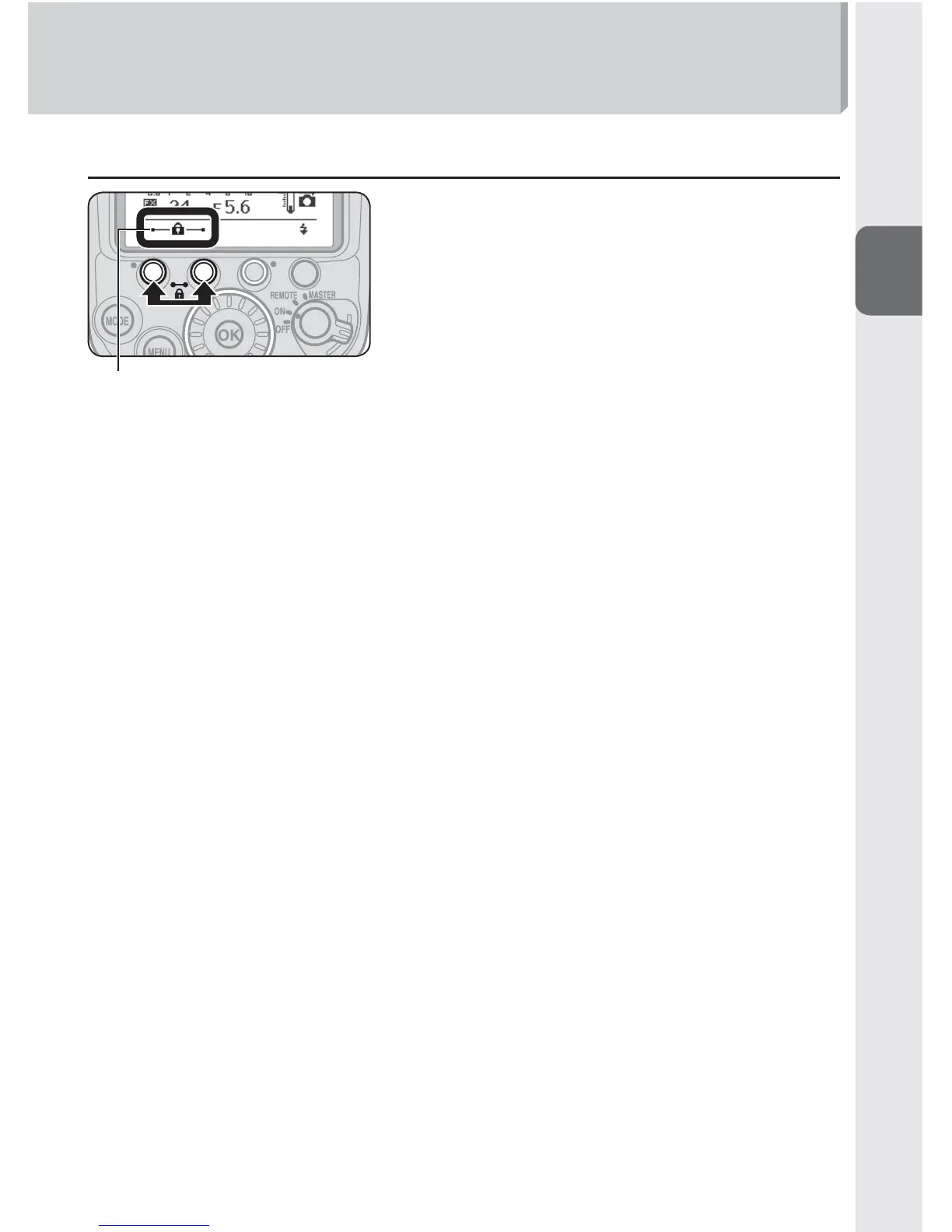
t Activating key lock
Key lock icon
Press function buttons 1 and 2, between which a
lock icon is printed, simultaneously for 2 seconds.
The key lock icon appears on the LCD and the dial
and buttons are locked.
The power switch/wireless mode switch for •
multiple flash units and the test firing button
remain unlocked.
To cancel key lock, press function buttons 1 and •
2 again simultaneously for 2 seconds.



 To Next Page