B–20
B
Operation
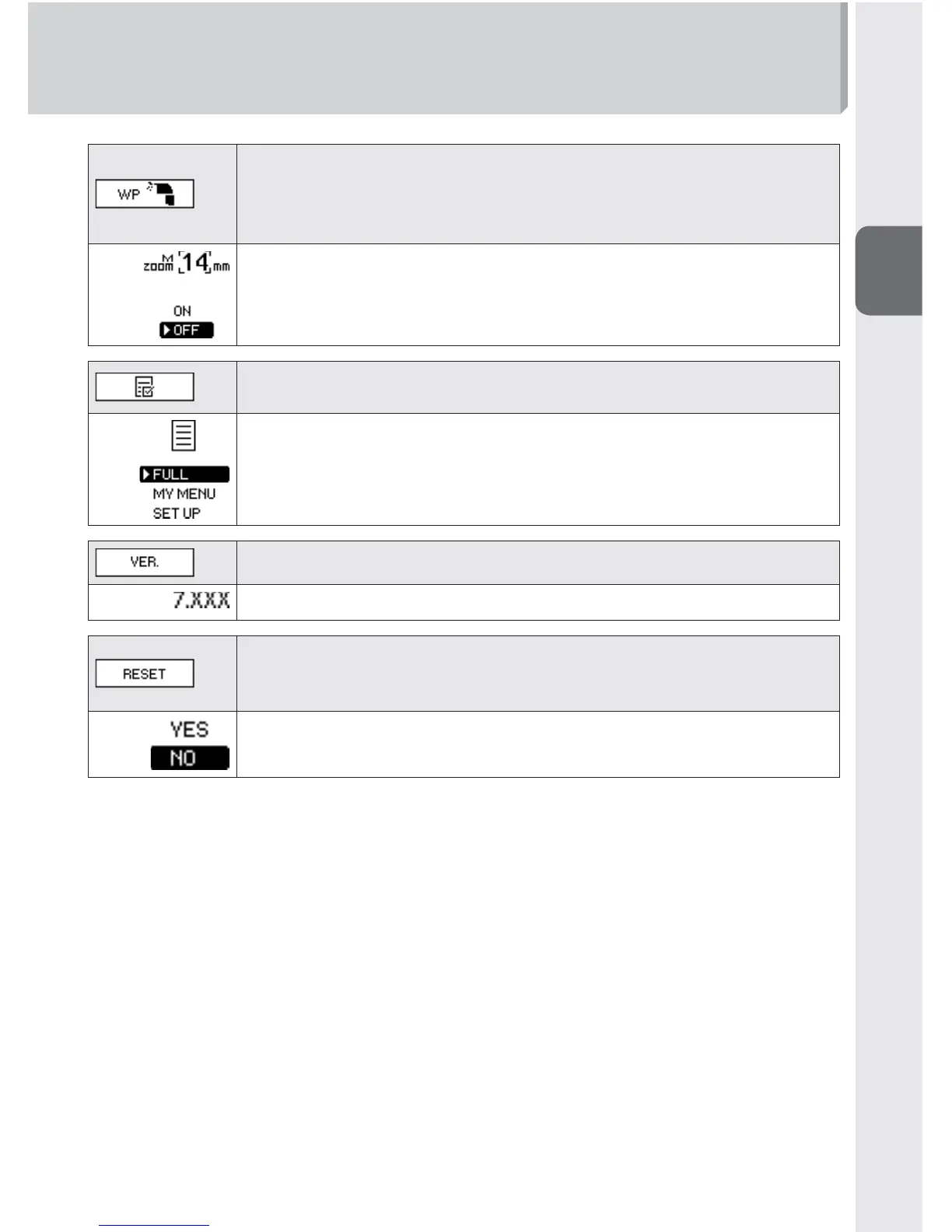
Zoom head position manual setting with broken built-in
wide panel (0E-11)
Selecting whether the zoom head position can be manually set or
not when the built-in wide panel is broken.
ON: Zoom head position can be manually set
OFF: Zoom head position cannot be manually set
My Menu setting (0B-15)
Selecting custom settings display mode
FULL: All items displayed
MY MENU: Items set as My Menu displayed
SET UP: Select items to be set as My Menu
Version of fi rmware (0H-9)
Reset custom settings
Reset custom settings to default except measurement unit (m/ft)
and My Menu settings.
YES: Reset to default
NO: Do not reset



 To Next Page